26
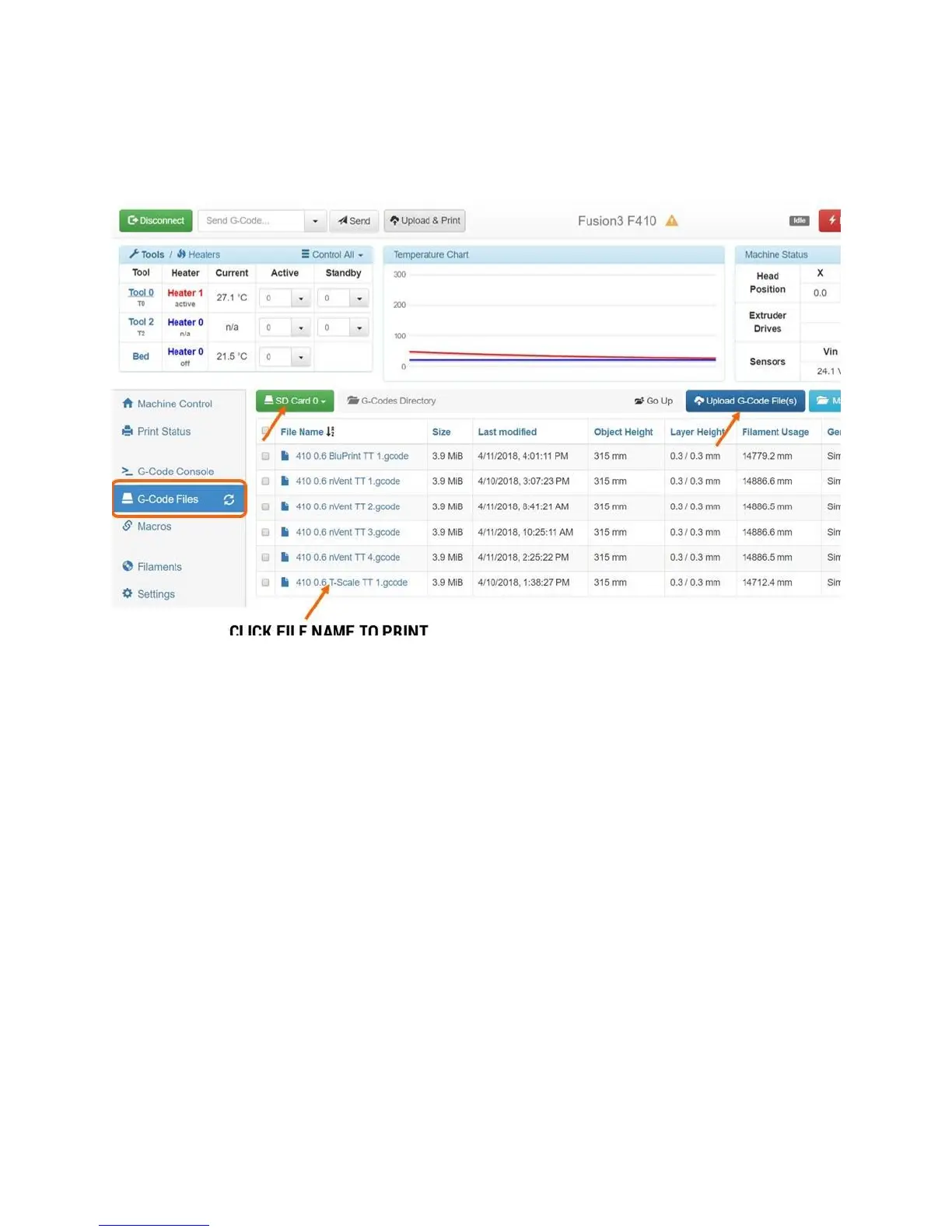
NOTE: By default, files you upload through the web interface will be put on “card 0”, which is your
printer’s internal storage. If you have the external SD card inserted, you can switch to it and upload files
to “card 1”.
Note: If a print is running, the upload option will be locked out until the print is done. This is for
performance reasons.
6.2.4 Gcode Console
This acts just like the gcode console on the LCD, it’s just easier to type into. This is not useful in normal
use, but is great to have for debugging and troubleshooting.



 To Next Page