51
10.2.1 Software: Preparing Your File
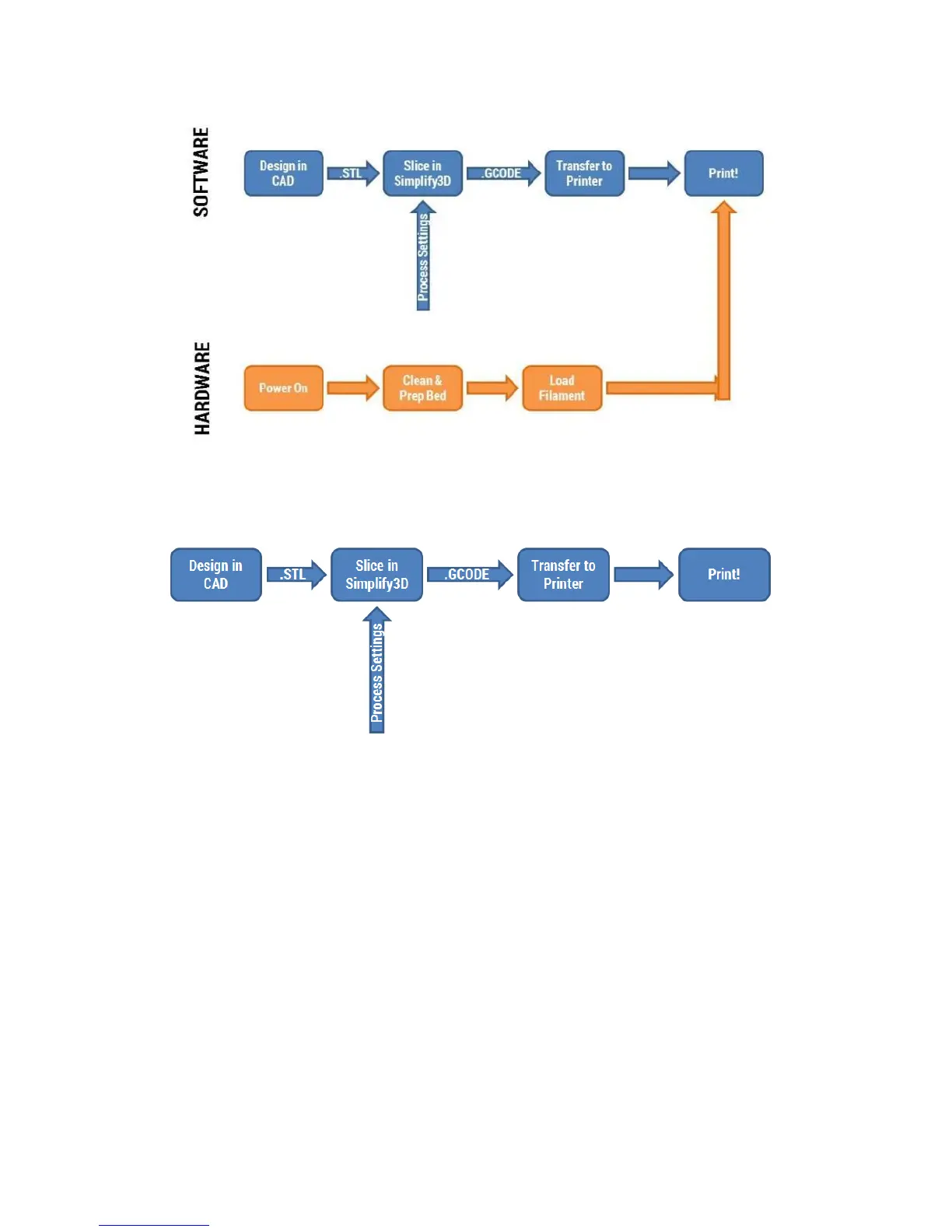
The first step is to design your file in a CAD program of your choice. Any program that can save a .STL
file format is fine to use.
Once you save your model as a .STL file, you import that into Simplify3D using the “Import” button in the
models section of the interface.



 To Next Page