GPSMAP 396 Owner’s Manual 99
MArIne Mode PAges And feAtures > dsc
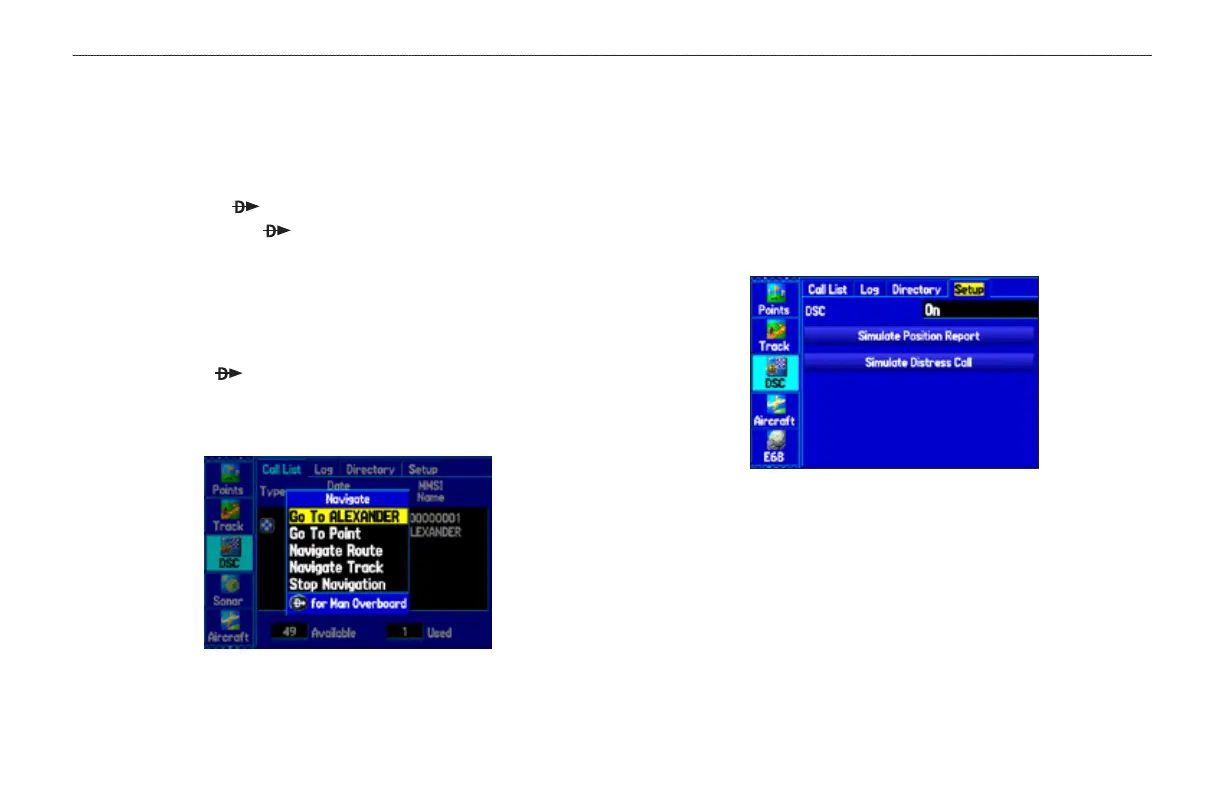
Navigating to a Position Report or Distress Call
After a Position Report or a Distress Call is received, you can
quickly navigate to the call location.
To navigate to a Position Report or Distress Call using
the Direct To key:
1. Press Direct To .
2. With Go To (MMSI/Name) highlighted, press ENTER.
To navigate to a Position Report or Distress Call using
the Call List or Log:
1. Highlight the call on the Call List or Log, and press
Direct To .
2. With Go To (MMSI/Name) or (DSC) highlighted, press
ENTER.
Navigating to a DSC Call
Setting up DSC
The DSC Setup tab allows you to turn DSC on and off. This Setup
tab also allows you to simulate distress calls and position reports
while the unit is in Simulator Mode (see page 11). Simulating calls
is helpful for practice before connecting to the real system. The
distress call simulator also helps to check if alarms are working
properly.
DSC Setup













 To Next Page