6 GPSMAP 396 Owner’s Manual
gettIng stArted > gettIng sAtellIte sIgnAls
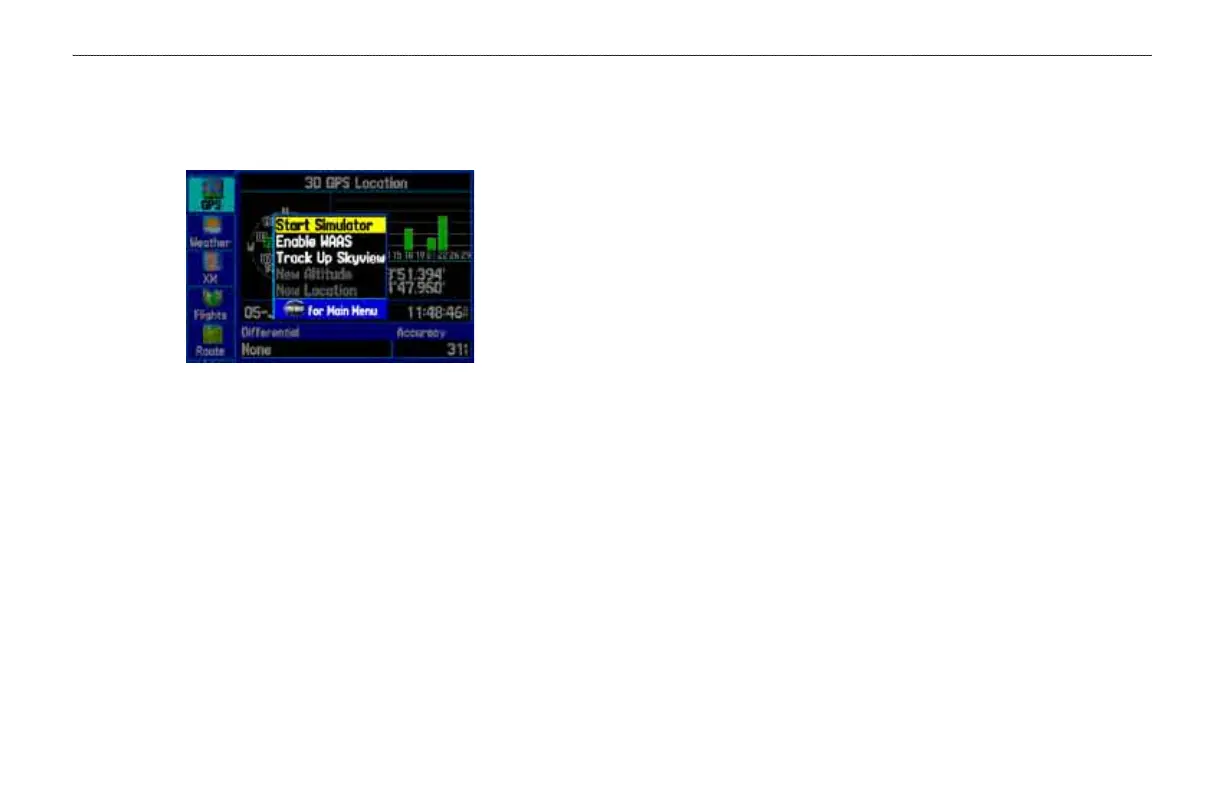
GPS Tab Options
Press MENU two times to open the Main Menu. Use the ROCKER
to highlight GPS. Press MENU to open the options menu:
GPS Tab Options Menu
Start/Stop Simulator—starts and stops Simulator Mode, which is
helpful when learning how to use your unit.
Enable WAAS
—enables WAAS capability. Refer to page 163 of the
“Appendix” for more information about WAAS.
Track/North Up Skyview
—orients the sky view page on the GPS
tab to north up or track up.
New Altitude
—allows you to manually enter your altitude.
New
Location—allows you to enter a new location automatically
or using the map. When in Aviation Mode, you can enter the airport
identier.
GPS Tips
While the receiver is gathering information, your location on the
map can show as different from where you actually are located. Be
patient; as soon as the receiver gathers enough satellite information,
your proper location is shown on the map.
Any time you have traveled more than 600 miles with the GPS
receiver turned off, the receiver can take longer than normal to
initialize and nd your location.
The GPS receiver can lose satellite signals due to interference from
such items as buildings, tunnels, and heavy tree cover. Monitoring
the GPS status is recommended.
To learn about GPS, refer to “Learning about GPS” on page 162.













 To Next Page