58 GPSMAP 396 Owner’s Manual
bAsIc oPerAtIon In AutoMotIve Mode > fIndIng An IteM
To nd an item from another location:
1. From any page, press NRST/FIND.
2. Using the ROCKER, highlight the category you want from the
list, and press ENTER.
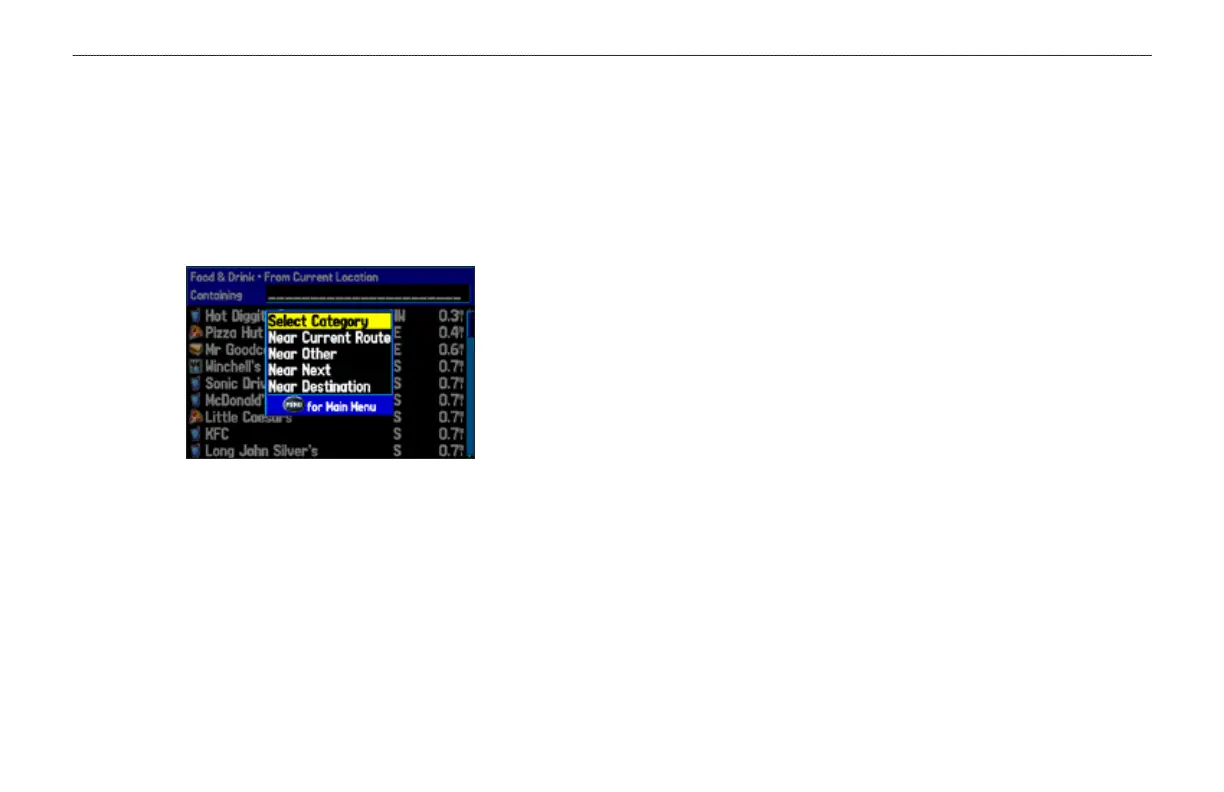
3. Press MENU. Highlight Near Other, and press ENTER. If you
are actively following a route, you can also choose one of the
other options listed in the Find From list, as shown below.
Find From Options
4. Select a reference location on the map, and press ENTER.
The list shows items near the new map location.
To nd an item near another item:
1. Press NRST/FIND.
2. From the Find Menu, highlight the item you want to Find
From.
3. Press NRST/FIND with the item highlighted. The Find Menu
opens again with items near the previously selected item.
Search for the item.
Recently Found Items
The Recently Found Page shows a list of the items you have
searched for or gone to recently.
To view recently found items:
1. Press NRST/FIND. The Find Menu opens.
2. Use the ROCKER to highlight Recently Found. Press
ENTER. The Recently Found Page opens.
3. Press MENU to show the options menu:
Show Find History—allows you to toggle between showing the
items you have searched for recently (Find History) and the items
you have recently created a Go To for (Go To History).
Remove Point
—removes the point that is highlighted in the list.













 To Next Page