GPSMAP 396 Owner’s Manual 13
bAsIc oPerAtIon In AvIAtIon Mode > AvIAtIon Mode PAge sequence
BaSIc operatIon In avIatIon Mode
Aviation Mode Page Sequence
The GPSMAP 396 offers three usage modes, Aviation Mode (default), Automotive Mode, and Marine Mode. The main pages are linked
together in a series that you can cycle through by pressing PAGE to move forward and QUIT to reverse. Each page also has an options menu
that allows you to customize each page (in all three modes) to your preferences and/or select features that specically relate to that page. To
view the options menu for any page, press MENU.
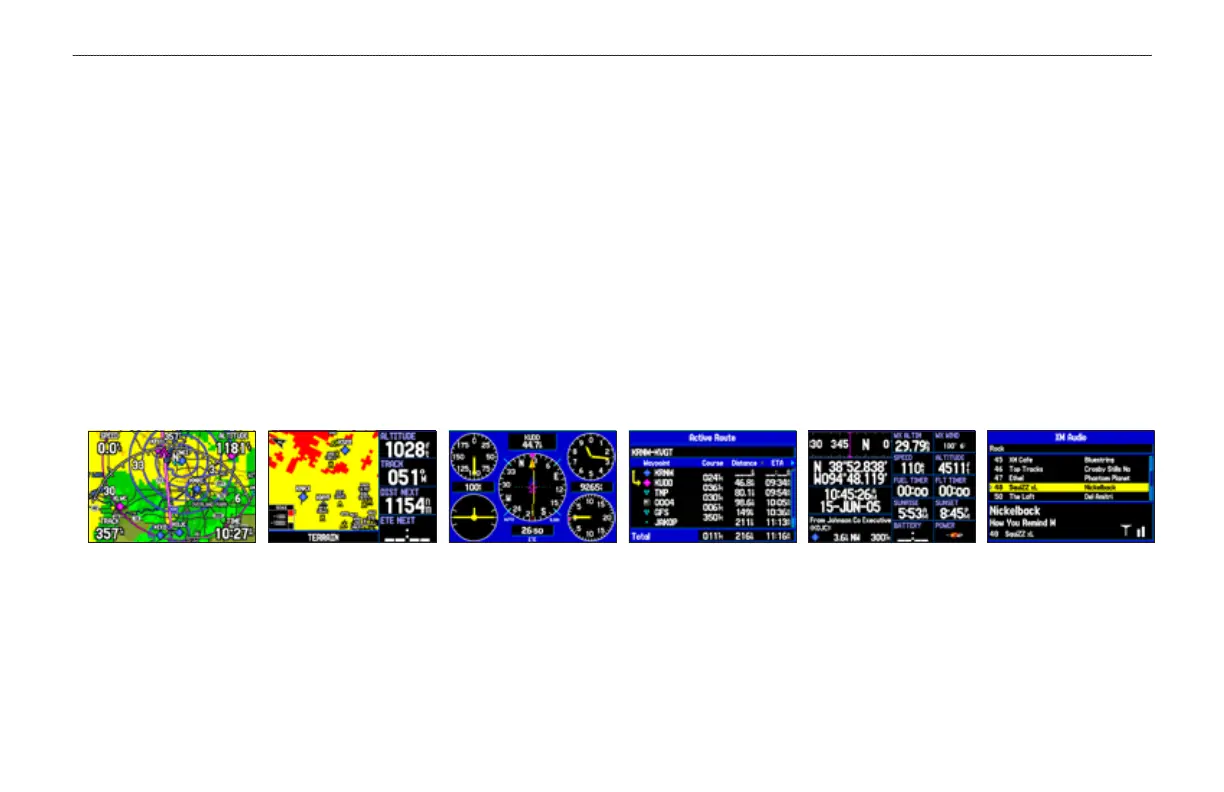
Aviation Mode features ve main pages: Map Page, Terrain Page, Panel Page, Active Route Page, Position Data Page, and an optional
XM Audio Page. The XM Audio Page must be turned on using the Main Menu (page 113). An example of each page in Aviation Mode
appears below. Each page has a specic use and is discussed later in this manual. Aviation Mode is the default mode for the GPSMAP 396.
This manual rst addresses each page, such as the Map Page, as shown in Aviation Mode. The manual then describes the page as shown in
Automotive and Marine Mode.
Panel Page Active Route Page Terrain Page Map Page Position Data Page XM Audio Page
(Optional)
To switch usage modes:
1. Press and hold PAGE/MODE.
2. Use the ROCKER to select either Aviation, Automotive, or Marine, and press ENTER.













 To Next Page