104 GPSMAP 396 Owner’s Manual
MAIn Menu > sonAr, AIrcrAft, And e6b tAbs
Sonar Tab
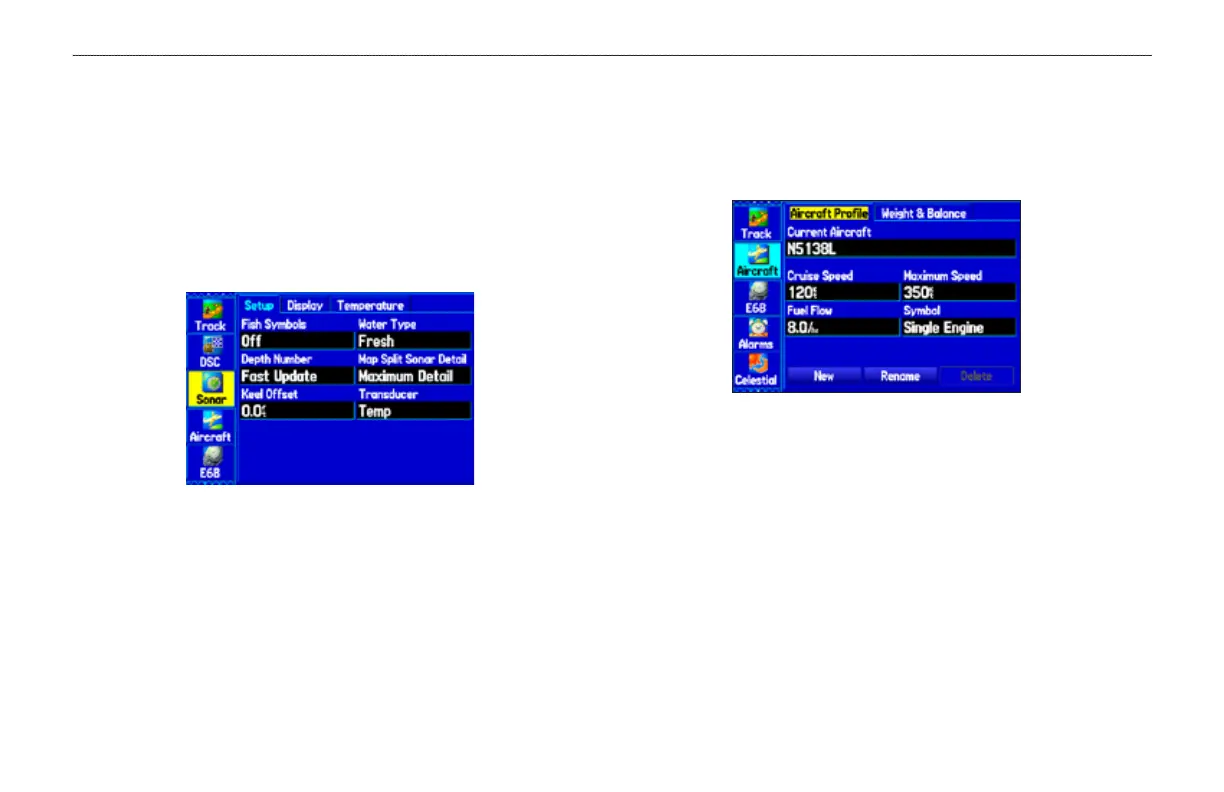
The Sonar tab contains options for the Sonar Page. See the “Setting
Up the Sonar Page” section beginning on page 139 for more
information about Sonar setup options.
To access the Sonar Tab:
1. Press MENU twice to open the Main Menu.
2. Use the ROCKER to highlight the Sonar tab.
Sonar Tab
Aircraft Tab
The Aircraft tab is divided into two sub tabs: Aircraft Prole and
Weight & Balance. Information on the “Aircraft Tab” is located on
page 46.
Aircraft Prole Tab
E6B Tab
The E6B tab in the Main Menu calculates Density Altitude, True
Airspeed, and Winds Aloft (Head Wind, Tail Wind, Wind From, and
Wind Speed), based on information you enter. Information on the
“E6B Tab” is located on page 48.













 To Next Page