GPSMAP 396 Owner’s Manual 151
tIs > MAP PAge
Map Page
TIS trafc can be shown on the Map Page.
To congure TIS Trafc on the Map Page:
1. Press PAGE until the Map Page appears.
2. Press MENU. The Map Page options menu appears.
3. Highlight Set Up Map, and press ENTER.
4. Highlight the Map sub tab.
5. Select TIS Trafc, and use the ROCKER to change the Zoom
range.
Highlighting TIS Trafc Using Map Page Panning
Another Map Page feature is panning. Refer to page 30 for more
information.
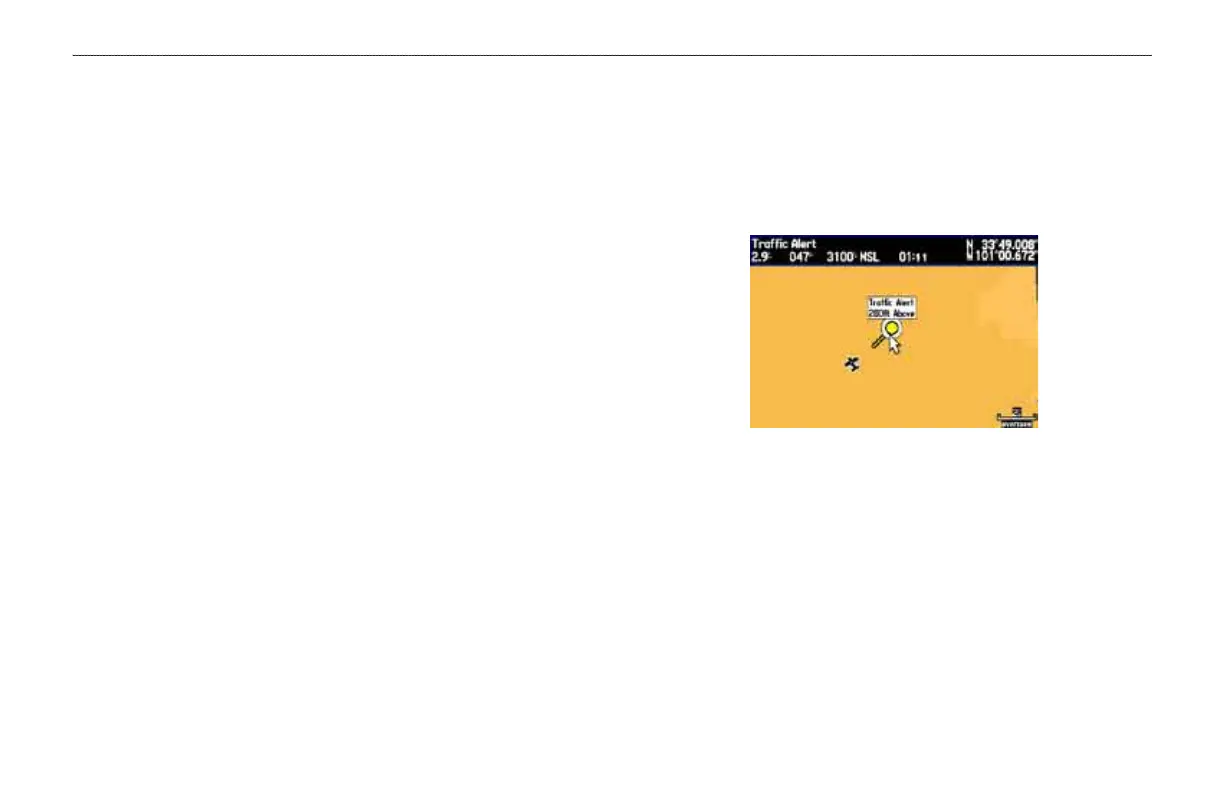
When the target pointer is placed on trafc, the trafc range and
altitude separation are shown.
Displaying trafc range and altitude separation
using the Map Panning feature.













 To Next Page