GPSMAP 396 Owner’s Manual 45
AvIAtIon Mode PAges > flIght log
Flight Log
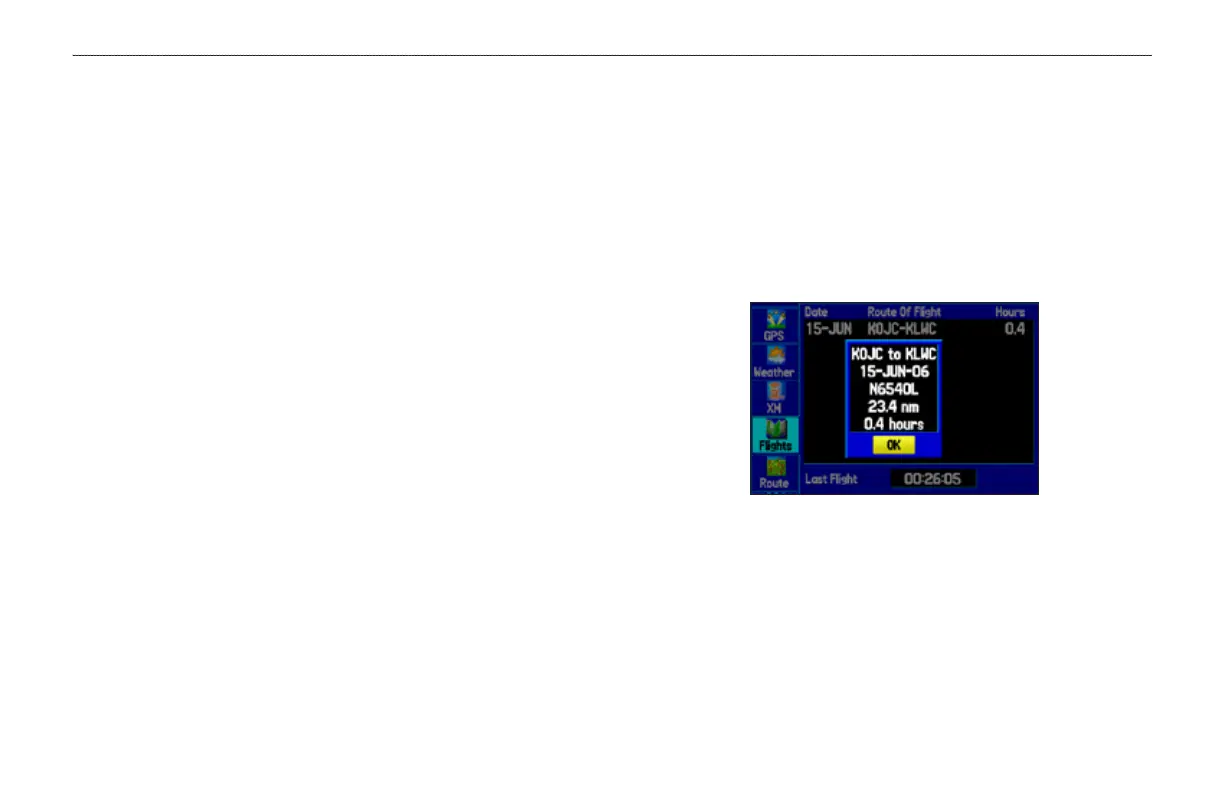
The Flights tab shows a list of any recorded ights, including date,
route of ight, and ight time. The GPSMAP 396 saves up to 50
recorded ights while in Aviation Mode. Entries on this list are
automatically created for each ight.
The bottom of the Flights tab shows the time of your last ight. This
resets if you select All Unit Defaults from the System tab options
menu.
An optional FlightBook software package is available to further
simplify your ight record keeping. For details about FlightBook,
visit the Garmin Web site at www.garmin.com/aviation.
Viewing the Flight Log
Recording begins when your speed exceeds 30 knots and you
gain 250 feet of altitude. The Route of Flight eld uses the
nearest airport as the departure airport. The destination airport is
continuously updated as your ight progresses.
If you land and groundspeed drops below 30 knots, the ight entry
is saved and a new entry is recorded when you depart the airport.
A touch-and-go or brief stop of less than 10 minutes appends to the
current ight record, rather than starting a new entry.
Select any listed entry in the log to view additional information.
To view details for a ight:
1. Press MENU twice to open the Main Menu.
2. Highlight Flights from the vertical menu of tabs.
3. Press MENU and select Show Hours and Minutes to view
the ights in minutes and hours, if you prefer.
4. Highlight the ight, and press ENTER. The ight details
window opens, shown below.
5. With OK highlighted, press ENTER to return to the Flights tab.
Flight Tab
Showing the ight details page
Deleting Flight Records
You can delete the highlighted ight record (Delete Flight) or delete
all ight records from the Flight Log (Delete All). To delete ights,
press MENU (with the Flights tab information shown). Use the
ROCKER to highlight a menu option, and press ENTER.













 To Next Page