GPSMAP 396 Owner’s Manual 67
bAsIc oPerAtIon In AutoMotIve Mode > edItIng your route
Creating a Detour
If, while navigating a route, there is road construction or a closed
road, you can have your GPSMAP 396 create a detour route. While
navigating a course, press Direct To . Select Detour from the
Navigate menu. Select the distance you want, and press ENTER.
The GPSMAP 396 recalculates your course based on your detour
distance. To end the detour manually, press Direct To again and
select Cancel Detour.
Adding and Editing Stops (Via Points)
You can add Via Points—points through which you would like to
travel—to your route using the Edit Vias option. Via points are great
for adding a stop at the gas station or bank to your route and are
really helpful when planning a long trip.
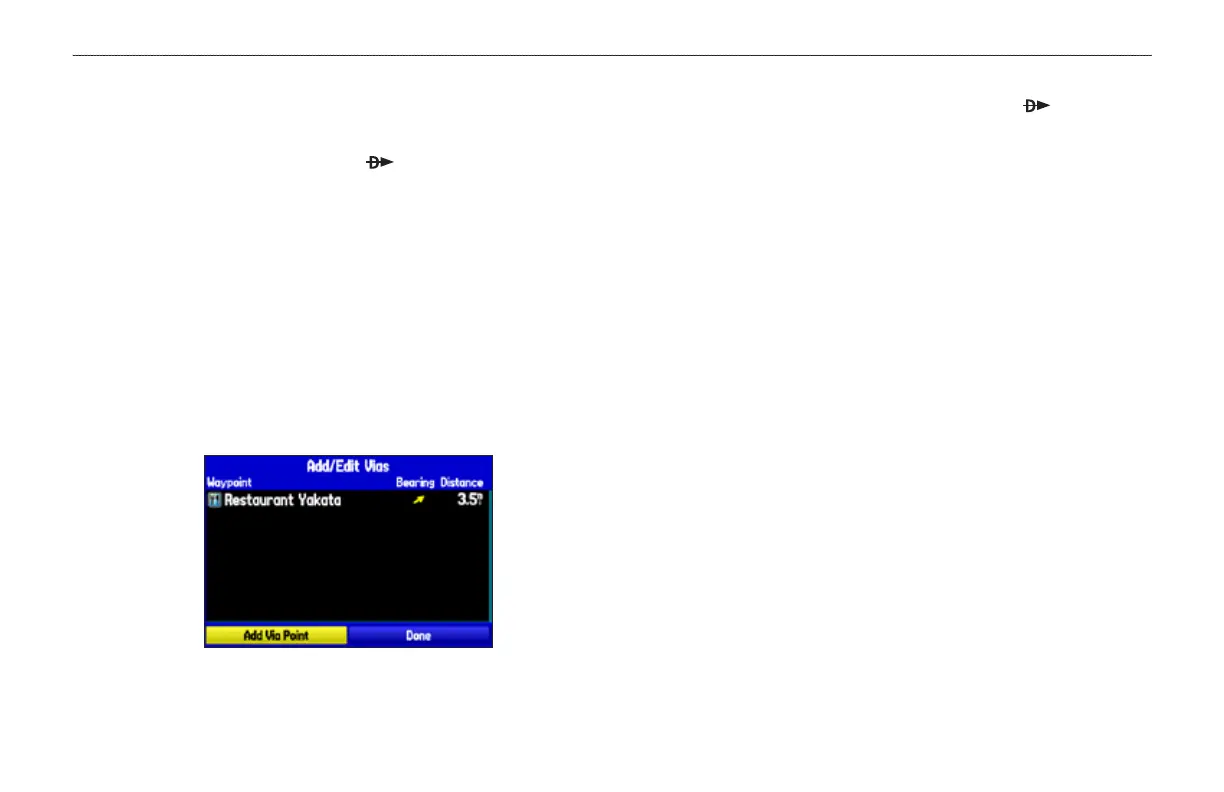
Add/Edit Vias Page
Showing the original route without via points
To add Via Points to your route:
1. While navigating your route, press Direct To to open the
Navigate menu.
2. Use the ROCKER to select Edit Vias, and press ENTER.
3. The Add/Edit Vias window opens. Press enter with Add Via
Point highlighted.
4. From the window, highlight either Use Map or Find and press
ENTER.
5. If you selected Use Map, use the ROCKER to select an item
on the map and press ENTER.
If you selected Find, select an item from the Find Menu as
discussed in the “Finding an Item” beginning on page 57.
Remember you can press MENU while the Find Menu is
open to nd an item near another location, such as your
destination.
6. The new point is added to the route and appears in the Add/
Edit Vias Page. Continue steps 2 through 4 until you have
added all of the Via Points that you want. Highlight Done, and
press ENTER to apply the new Via Points to the route.













 To Next Page