GPSMAP 396 Owner’s Manual 127
usIng XM WeAther > settIng XM WX WeAther oPtIons
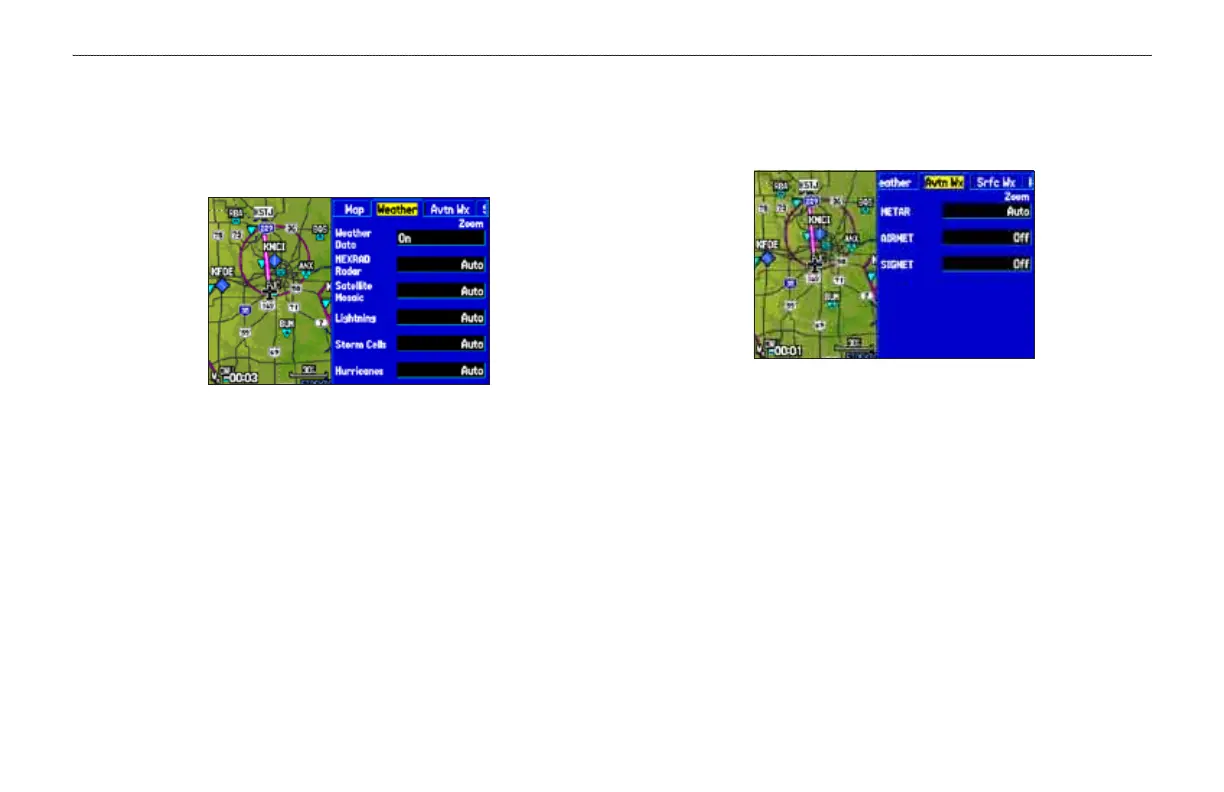
Weather Explorer Tab
Use the Weather Explorer tab on the Map Setup tab on the Map Page
to turn XM WX Weather data on or off, and to set the zoom range at
which the information rst appears on the Map Page.
Weather Explorer tab
Weather Data—toggles XM WX Weather data on or off on the Map
Page.
NEXRAD Radar
, Satellite Mosaic, Lightning, Storm Cells,
Hurricanes—sets the zoom range at which the feature rst appears
on-screen. Select Auto, Off, or 20 ft to 800 nm.
Avtn Wx Tab
Use the Avtn Wx tab to set the zoom range at which aviation
weather information rst appears on the Map Page.
Avtn Wx Tab
METAR, AIRMET, SIGMET—sets the zoom range at which each
feature rst appears on-screen. Select Auto, Off, or 20 ft to 800 nm.













 To Next Page