128 GPSMAP 396 Owner’s Manual
usIng XM WeAther > settIng XM WX WeAther oPtIons
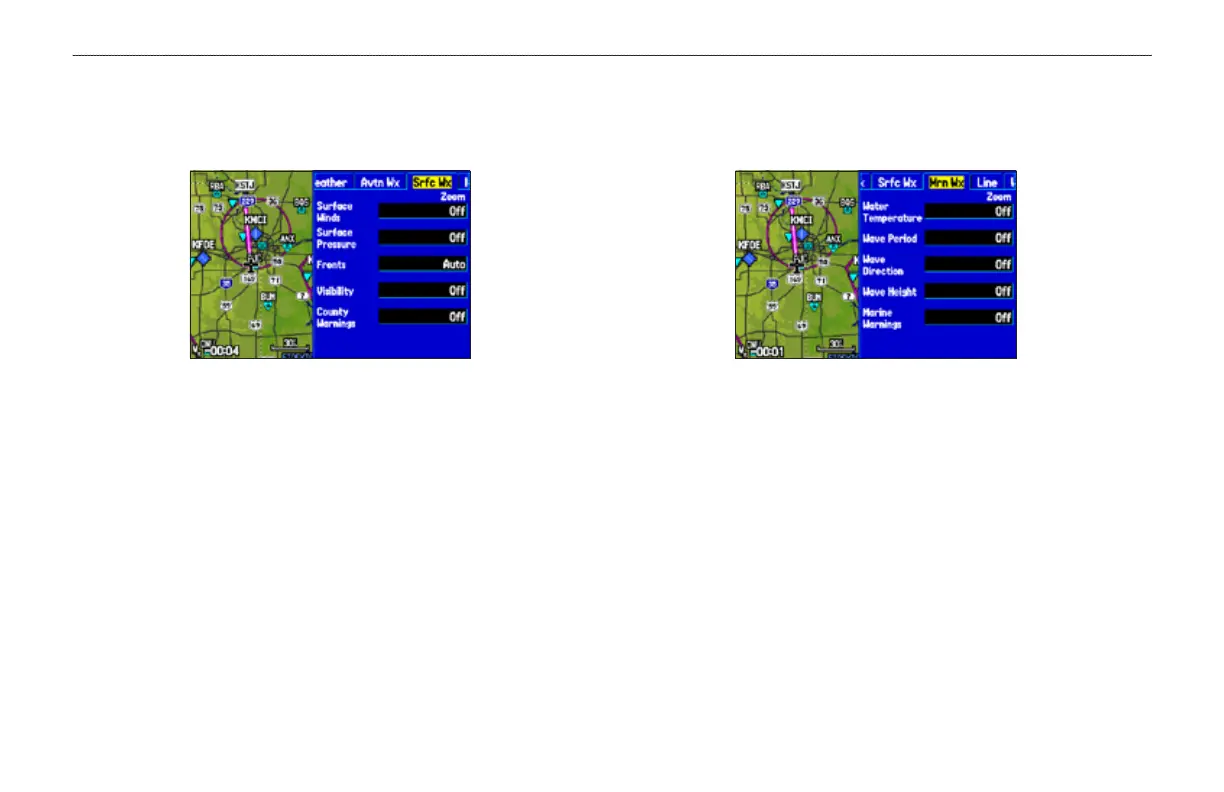
Srfc Wx Tab
Use the Srfc Wx tab to set the zoom range at which surface weather
information rst appears on the Map Page.
Srfc Wx Tab
Surface Winds, Surface Pressure, Fronts, Visibility, County
Warnings—sets the zoom range at which each feature rst appears
on-screen. Select Auto, Off, or 20 ft to 800 nm.
Mrn Wx Tab
Use the Mrn Wx tab on the Map Page Options to set up marine
weather options.
Mrn Wx Tab
Water Temperature, Wave Period, Wave Direction, Wave
Height, Marine Warnings—sets the zoom range at which each
feature rst appears on-screen. Select Auto, Off, or 20 ft to 800 nm.













 To Next Page