GPSMAP 396 Owner’s Manual 133
usIng XM WeAther > fIndIng WeAther InforMAtIon
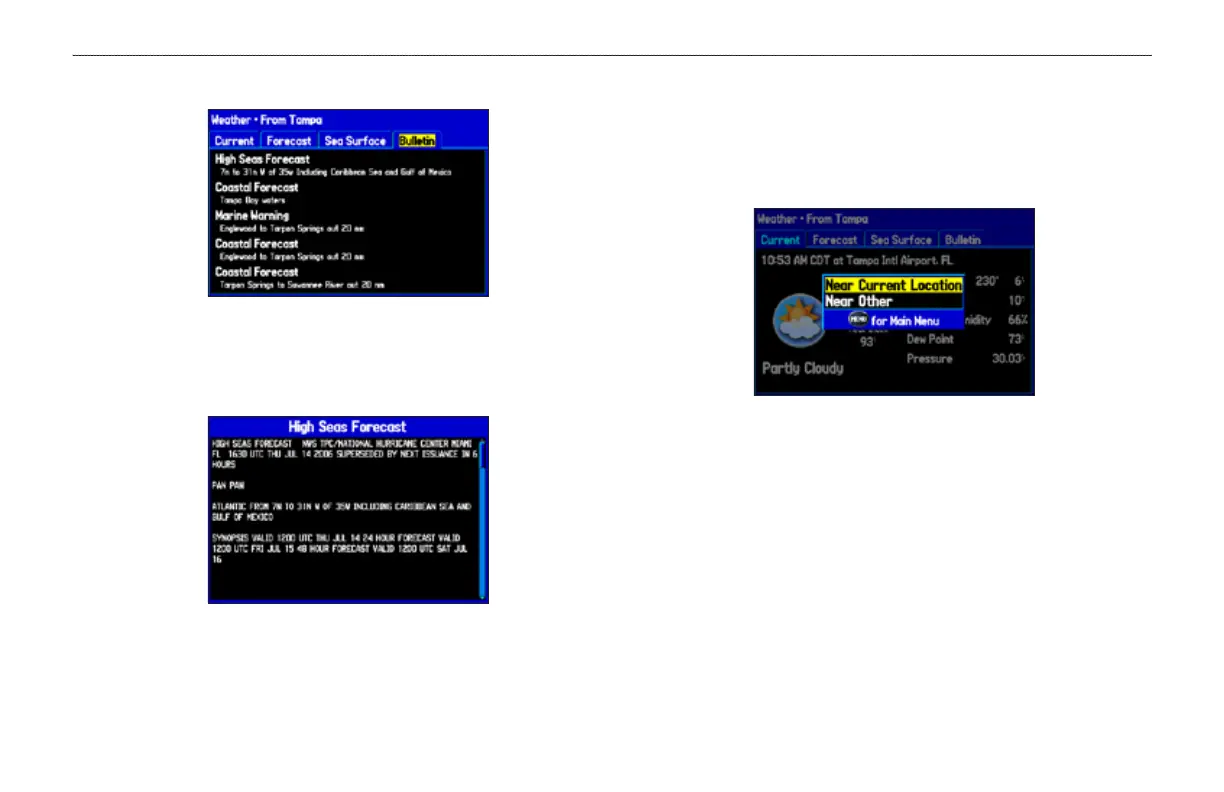
5. Highlight the Bulletin tab to view marine weather bulletins.
Marine Weather Bulletins
You can highlight a weather bulletin and press ENTER to view the
full text of the marine weather bulletin.
Marine Weather Bulletin
You can nd weather forecast information for a different location.
To nd weather data for a different location:
1. Press MENU on the Weather From Current Location Page.
2. With Near Other highlighted, press ENTER.
3. Move the map pointer to a different location, and press
ENTER. The Weather From (New Location) Page appears
with weather information for the selected location.
4. Press MENU, highlight Near Current Location, and then
press ENTER to return to the forecast for your current
location.













 To Next Page