18 GPSMAP 396 Owner’s Manual
bAsIc oPerAtIon In AvIAtIon Mode > fIndIng A neArby PoInt
Selecting a Nearby Point as Your Destination
In an emergency, you can press a few keys to have the GPSMAP 396
guide you to the closest point to land.
To select a nearby point as your destination:
1. Press NRST.
2. Use the ROCKER to select the sub tab along the top of the
page.
3. Highlight the point using the ROCKER.
4. Press Direct To . The Go To Page opens for the selected
point.
OR
You can press ENTER to show the Information Page (Details
Page).
5. Press ENTER when Go To is highlighted.
To select the nearest airport as your destination:
1. Press NRST twice to show the Airport tab and highlight the
nearest airport.
2. Press ENTER to view airport information.
3. Verify the Go To button is highlighted, and press ENTER.
Viewing Details for a Nearby Point
To view details for a nearby point:
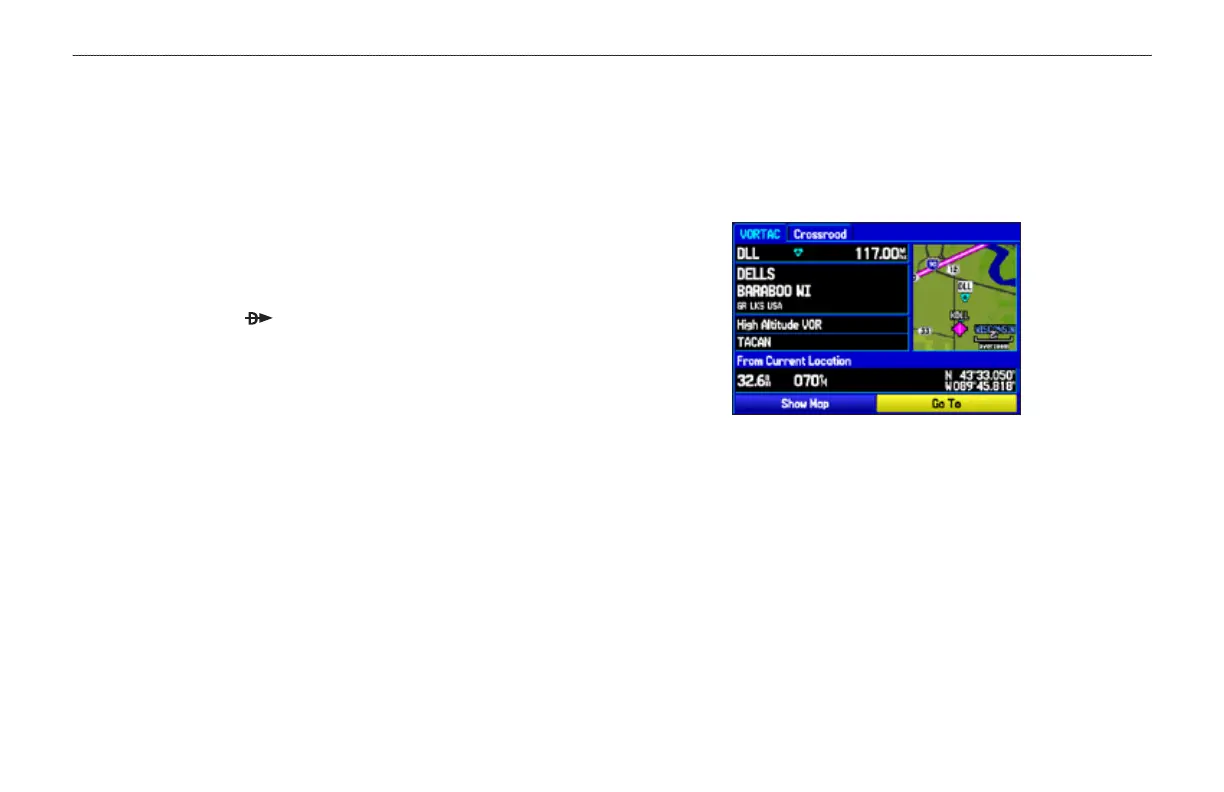
1. Press NRST to show the nearest pages. Select the sub tab.
2. Use the ROCKER to highlight the item on the list and press
ENTER. The corresponding information page appears.
Information Page for a VOR
On airport information pages, use the ROCKER to select the
sub tabs across the top of the information pages and show
the airport data.
3. Press QUIT to return to the Nearest Pages. You can also
highlight any one of the on-screen buttons to perform that
action, such as Show Map or Go To.













 To Next Page