GPSMAP 396 Owner’s Manual 47
AvIAtIon Mode PAges > AIrcrAft InforMAtIon
To rename or delete a saved aircraft prole:
1. From the Aircraft Prole tab, use the ROCKER to highlight
Current Aircraft and select the prole you want to rename.
2. Use the ROCKER to select the on-screen Rename or Delete
button, and press ENTER. If Rename is selected, use the
ROCKER and ENTER keys to enter a new tail number.
Calculating the Weight & Balance
Weight & Balance may be used during your pre-ight preparations
to verify the weight and balance conditions for your aircraft. By
entering the weight and arm values on this page, the GPSMAP 396
can calculate the total weight, moment, and center of gravity (CG) to
ensure a safe ight.
Before entering the various gures, you need to determine the
empty weight of the airplane and the arm (or “station”) for each
weight entered. These gures should be determined using the pilot’s
operating handbook for your airplane, which also notes the weight
limitations and fore/aft CG limits. Compare those gures to the
values calculated by the GPSMAP 396.
To perform weight and balance calculations:
1. Press MENU twice to open the Main Menu.
2. Highlight Aircraft from the vertical list of tabs.
3. Press the ROCKER right to highlight Weight & Balance.
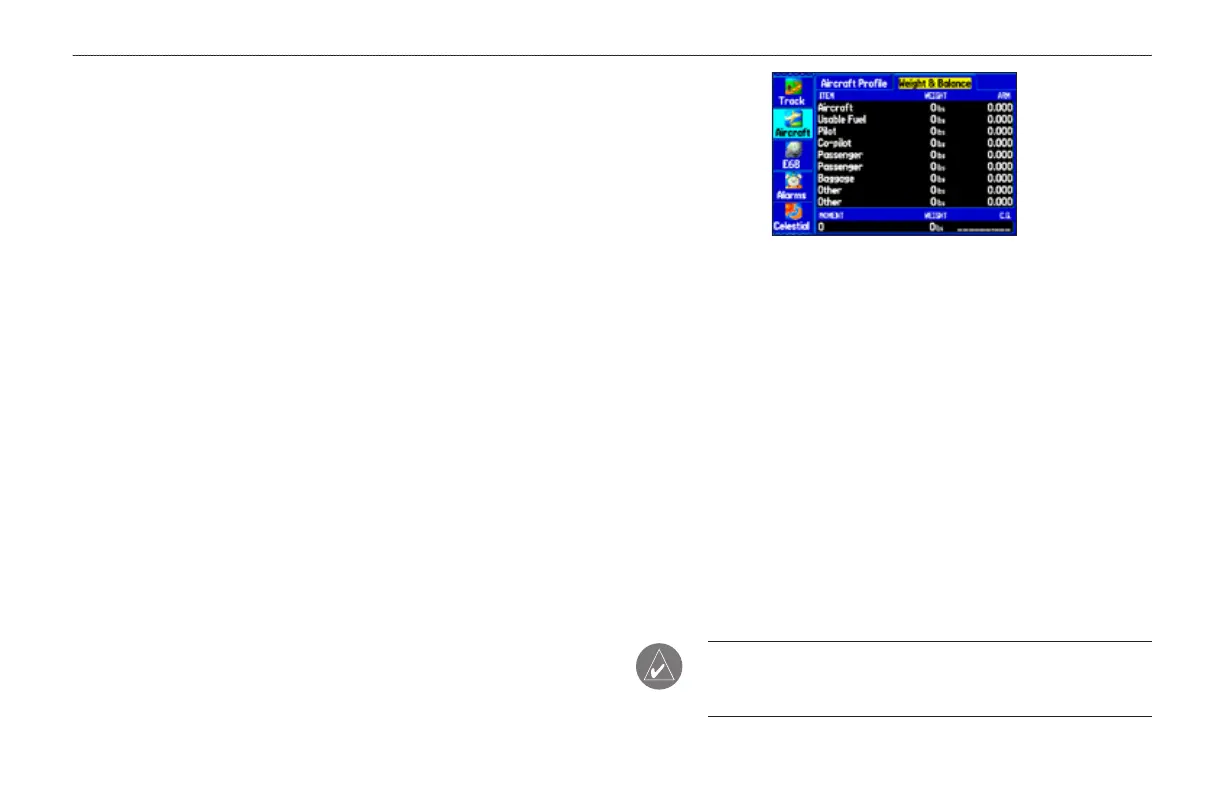
Weight & Balance Tab
4. Highlight the weight eld, and press ENTER.
5. Use the ROCKER to enter the weight gure. Press ENTER.
6. Change the weight units. Highlight lbs, and press ENTER.
Select Kgs, and press ENTER.
7. Highlight the corresponding ARM eld, and press ENTER.
8. Use the ROCKER to enter the arm gure. Press ENTER.
9. Repeat steps 4 through 8 until all gures are entered. The
calculated moment, weight, and CG gures appear at the
bottom of the page. Keep in mind that the “Aircraft” (empty
weight/arm) gures must be entered as a reference to
calculate a valid moment, weight, and CG.
10. To empty the aircraft, press MENU, select Empty Aircraft,
and press ENTER.
NOTE: This information is only for ight planning purposes.
Consult your aircraft’s pilot handbook for the ofcial weight and
balance data.













 To Next Page