GPSMAP 396 Owner’s Manual 53
AvIAtIon Mode PAges > XM AudIo PAge
4. Highlight OK, and press ENTER again to conrm.
Scanning XM Radio Channels
From the XM Audio Page, you can scan all channels, scan channels
in a specic category, or scan channels in your Favorites.
To scan XM Radio channels:
1. On the XM Audio Page, press MENU.
2. Select Scan on the options menu, and press ENTER.
3. Select All Channels to scan all channels.
OR
Select Category to scan only channels in the selected
category.
OR
Select Favorites to scan only channels in your Favorites list.
4. Press ENTER. Each channel plays for ve seconds, and then
advances to the next channel.
5. Press any key to stop scanning and select the current
channel.
Turning Audio On or Off
To turn audio on or off:
1. On the XM Audio Page, press MENU.
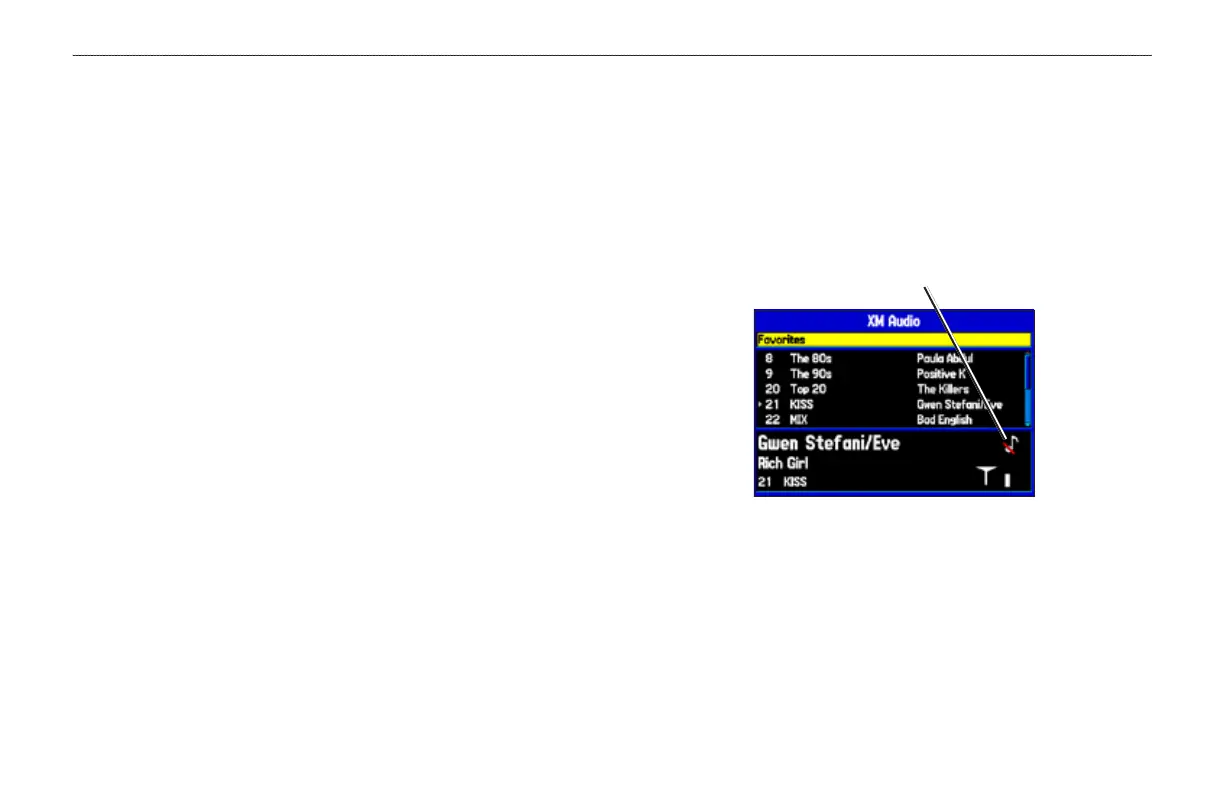
2. Highlight Mute Audio Output on the options menu to turn
off the audio. A music note with a red slash appears in the
Song pane. Highlight Enable Audio Output to resume audio
output.
Audio output is off













 To Next Page