SX-3000 Standalone Integrated Media Block™ with
Portable Storage/ Enterprise Storage User Manual
1. INTRODUCTION
1.1. About This Manual
This user manual provides instructions on how to use and manage the GDC SX-3000
Standalone Integrated Media Block™ with Portable Storage/ Enterprise Storage (SX-
3000 IMB with Portable Storage/ Enterprise Storage). The user interface of the IMB
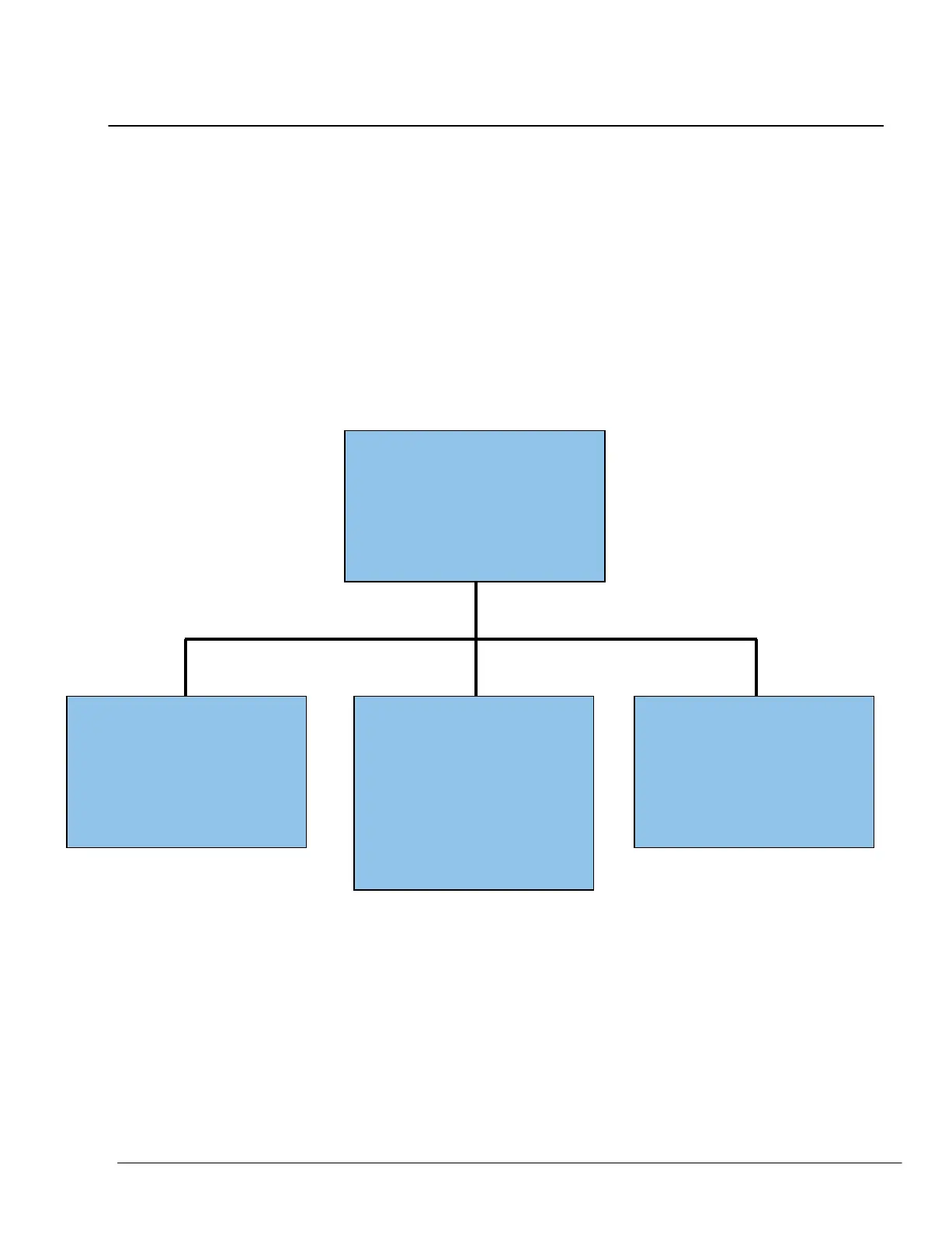
consists of a few key components described in the diagram below [Figure 1]. The
manual has sections on each of these components describing how it can be used to
operate the IMB.
Control Panel
The Control Panel UI enables
access to all the other menus
used to configure and operate
IMB.
SMS
Main interface used for
playback control and to
create and schedule
playlists.
Content Manager
Used to download content
from a disk or source on
the network, delete content
from IMB verify the file
integrity of the content, and to
download KDM’s required for
content playback.
Admin Panel
Provides an array of easy to
access menu pages that
simplify the configuration and
maintenance of the IMB
Figure 1 IMB UI components.



 To Next Page