SX-3000 Standalone Integrated Media Block™ with
Portable Storage/ Enterprise Storage User Manual
5.6. Quit/Shutdown
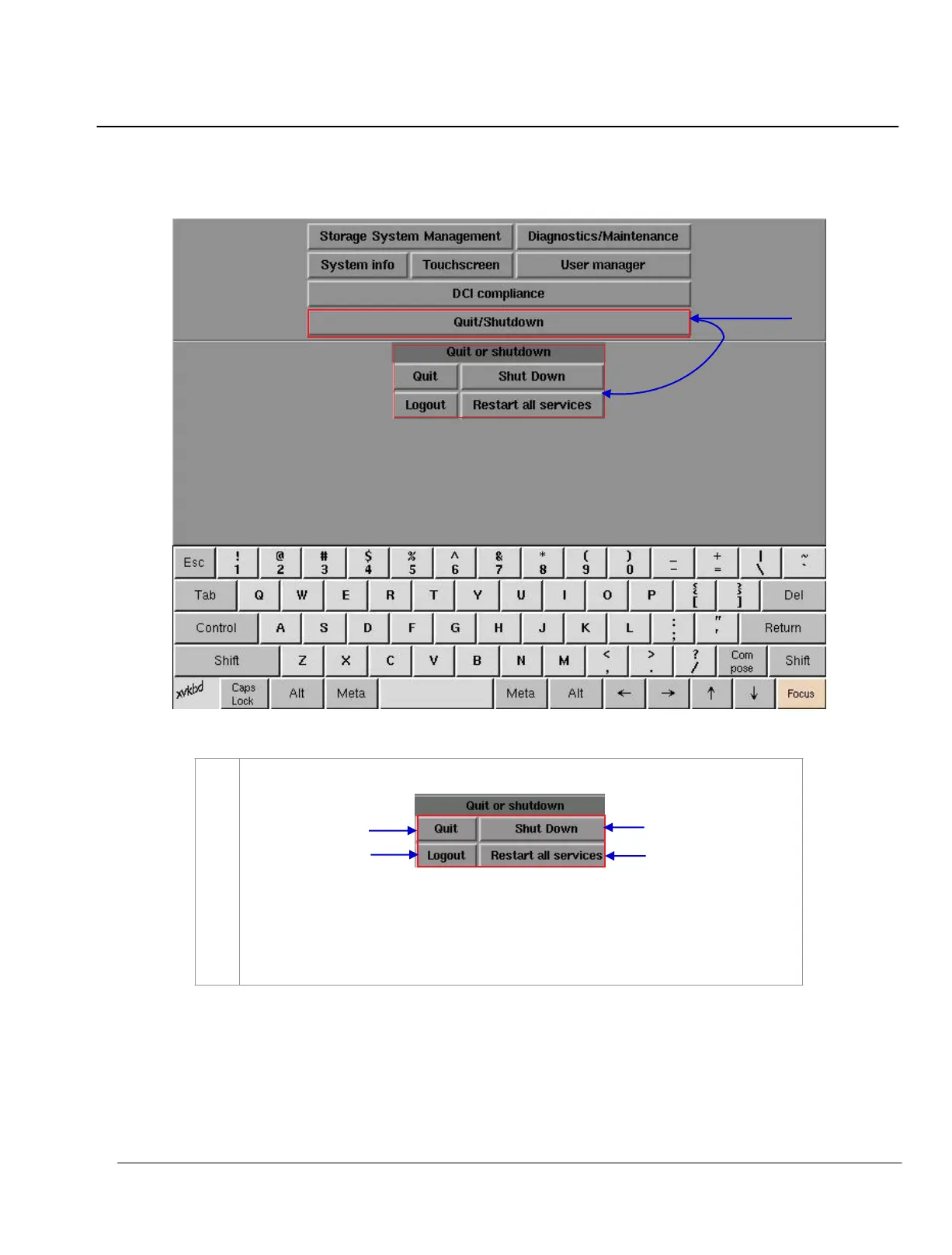
Figure 134 Quit/Shutdown menu.
1
On
Main menu, select Quit/ Shutdown. A small window shows the Quit/Shutdown menu.
(a) Select
Quit to switch to the Control Panel menu.
(b) Select
Shut Down to turn off the IMB
.
(c) Select Logout to logout the current user and return to the Admin Panel startup
window
.



 To Next Page