SX-3000 Standalone Integrated Media Block™ with
Portable Storage/ Enterprise Storage User Manual
4. CONTENT MANAGER
4.1. About the Content Manager
4.1.1. Introduction
The SX-3000 Content Manager allows the user to manage the contents of the IMB to:
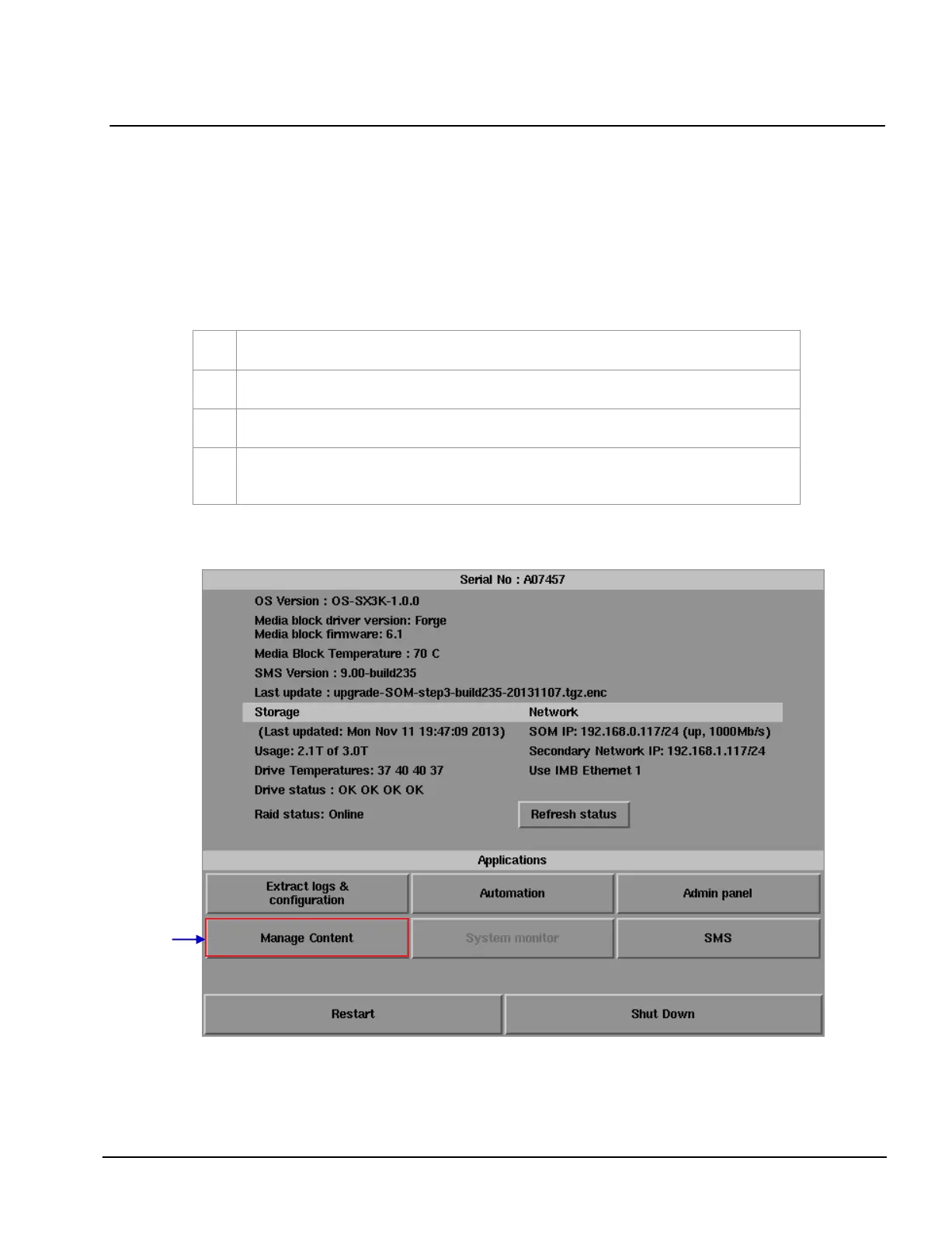
4.1.2. Accessing the Content Manager
Figure 55 Manage Content Button.
Download content from a disk or source on the network.
Download keys [KDM’s] required for playing back content from disk or source on the network.
Delete content that exists on the IMB.
Check that the content that is already on the IMB is fine and the files are complete and
proper
.



 To Next Page