SX-3000 Standalone Integrated Media Block™ with
Portable Storage/ Enterprise Storage User Manual
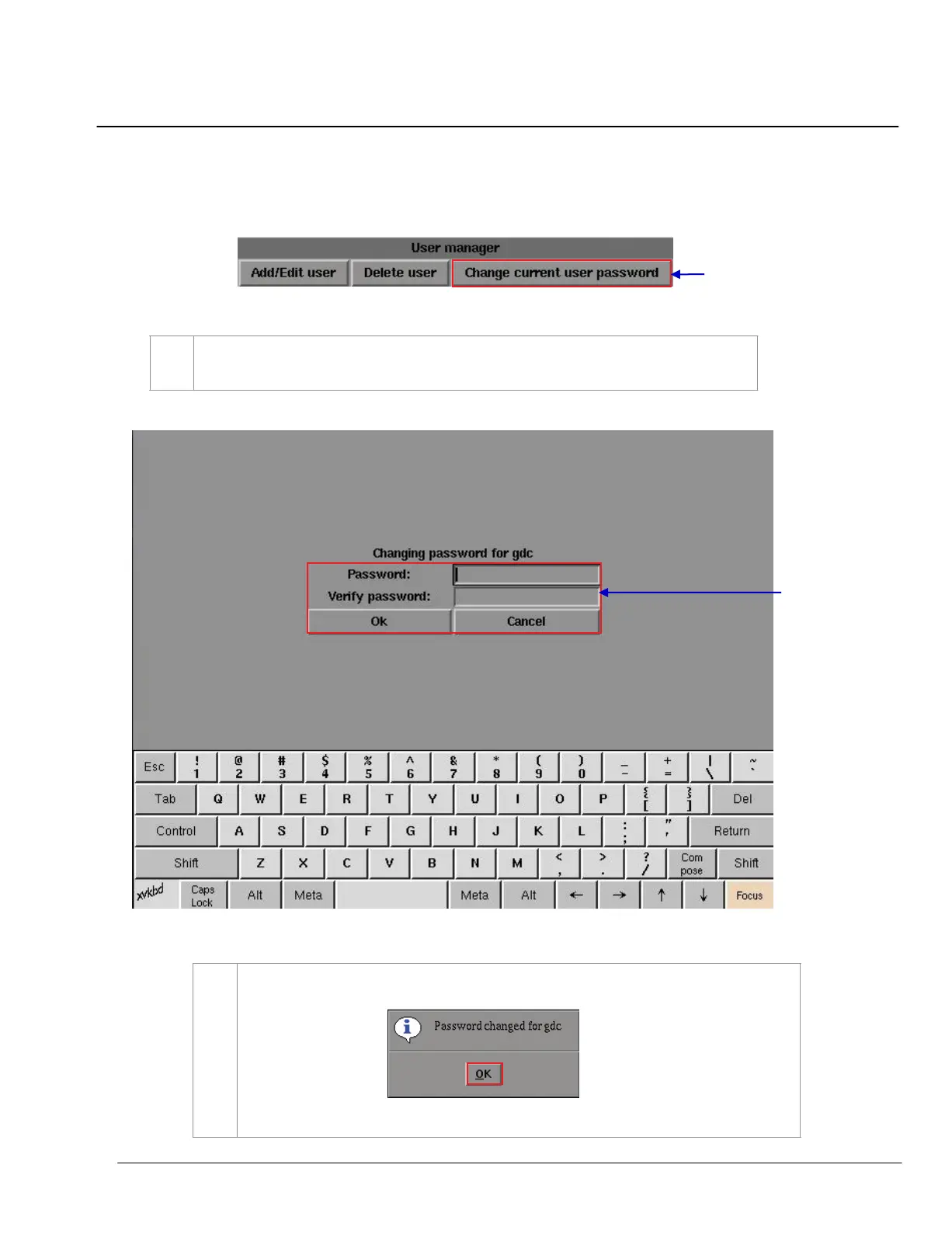
5.4.4. Change Current User Password
Figure 129 User manager [Change current user password].
1
Select
Change current user password. A new window for password entry appears as seen in
Figure 130
.
Figure 130 Password entry to change password.
1 Type in your new password and press
OK. A small window appears confirming the change in
password.
Press
OK to exit and return to User Manager menu.



 To Next Page