SX-3000 Standalone Integrated Media Block™ with
Portable Storage/ Enterprise Storage User Manual
4.2.5. Cancelling Ingest
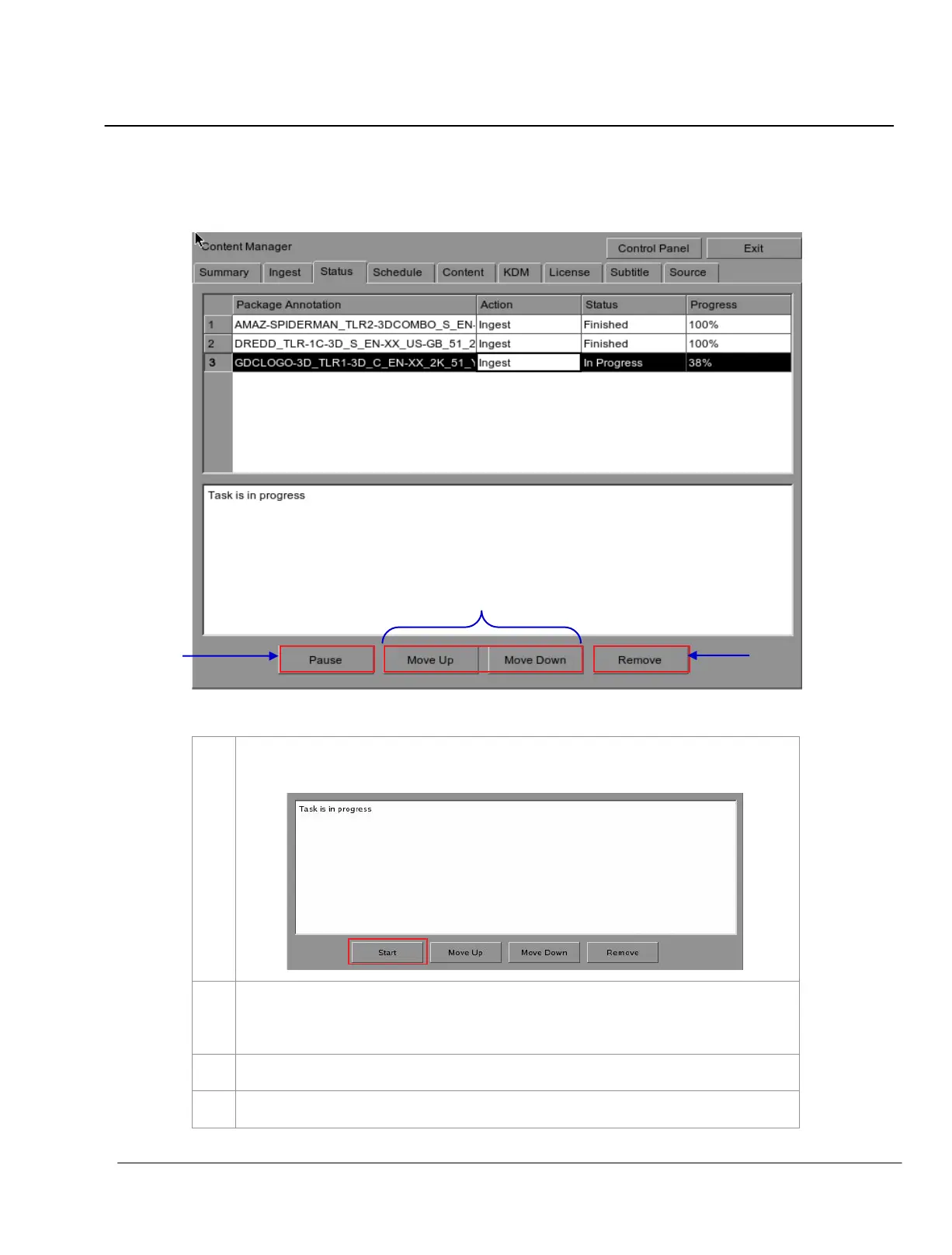
Figure 61 Content Manager - Status
Press
Pause to temporarily stop the download of the package(s) or CPL(s). The Pause button
will change to Start and will indicate that the download is being paused.
Use the
Move Up and Move Down buttons to move the highlight bar up and down to select the
desired package or CPL when multiple packages or CPLs are being downloaded. You can only
move the highlighted bar to select the package or CPL when in Pause mode.
To cancel the download, select the desired package or CPL and press
Remove
.
If you wish to resume download, press
Start button to resume the download.



 To Next Page