SX-3000 Standalone Integrated Media Block™ with
Portable Storage/ Enterprise Storage User Manual
2.8.2. Subtitle Overlay
2.8.2.1. Subtitle Overlay Setup
Subtitle Overlay is supported for Series 2 projectors for 2D JPEG2000 content.
To setup
Subtitle Overlay go to SMS -> Configuration -> Maintenance Access -> General.
Under Settings there is a box titled Subtitle Overlay. You can also enter a Subtitle Delay in
number of frames, entering a negative number will advance the subtitles by that number of
frames.
2.8.2.2. Subtitle Language Selection
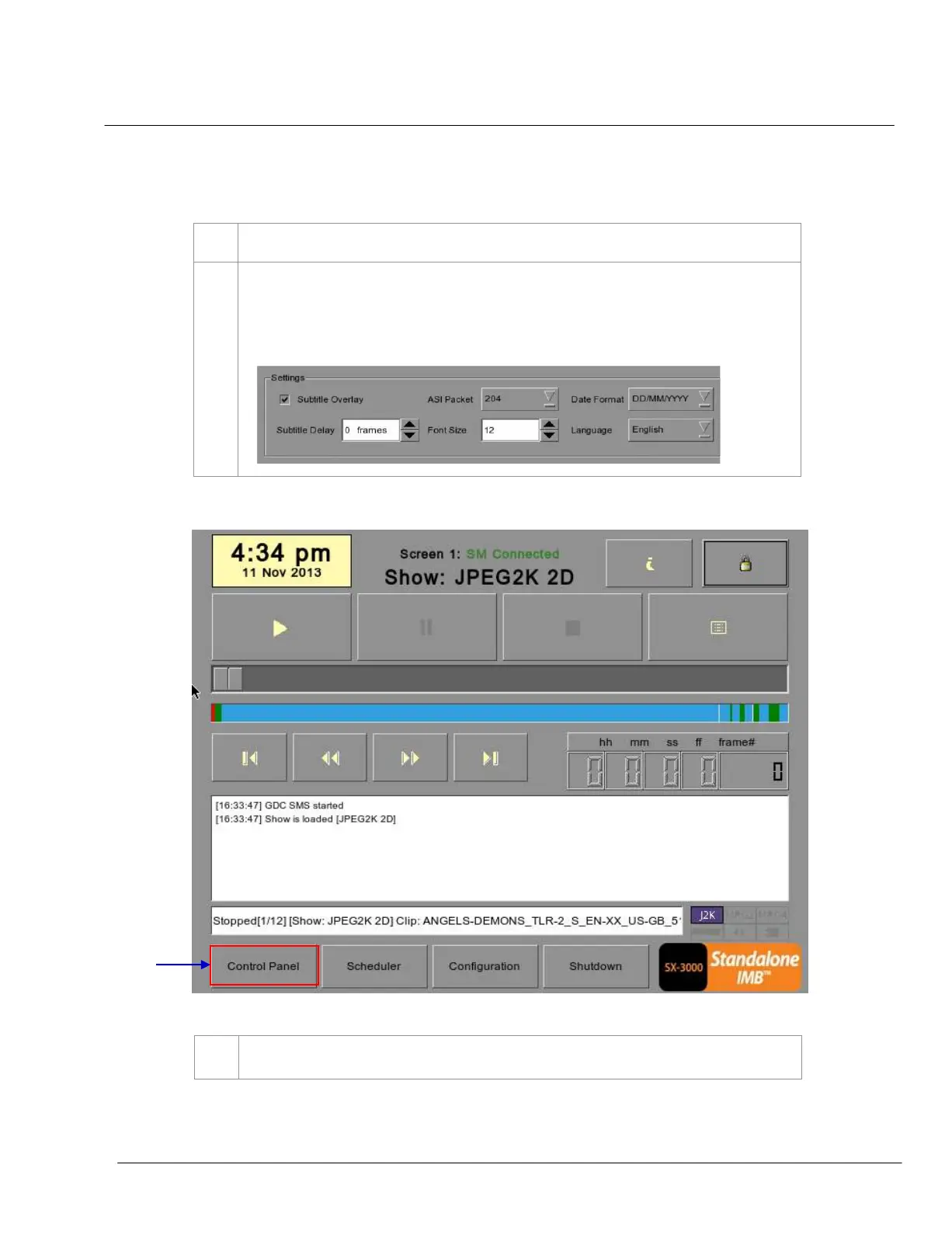
Figure 42 SMS Interface [Control Panel]
Press the Control Panel Button to navigate to the Control Panel.



 To Next Page