SX-3000 Standalone Integrated Media Block™ with
Portable Storage/ Enterprise Storage User Manual
5.3.1.2. Monitor RAID Status
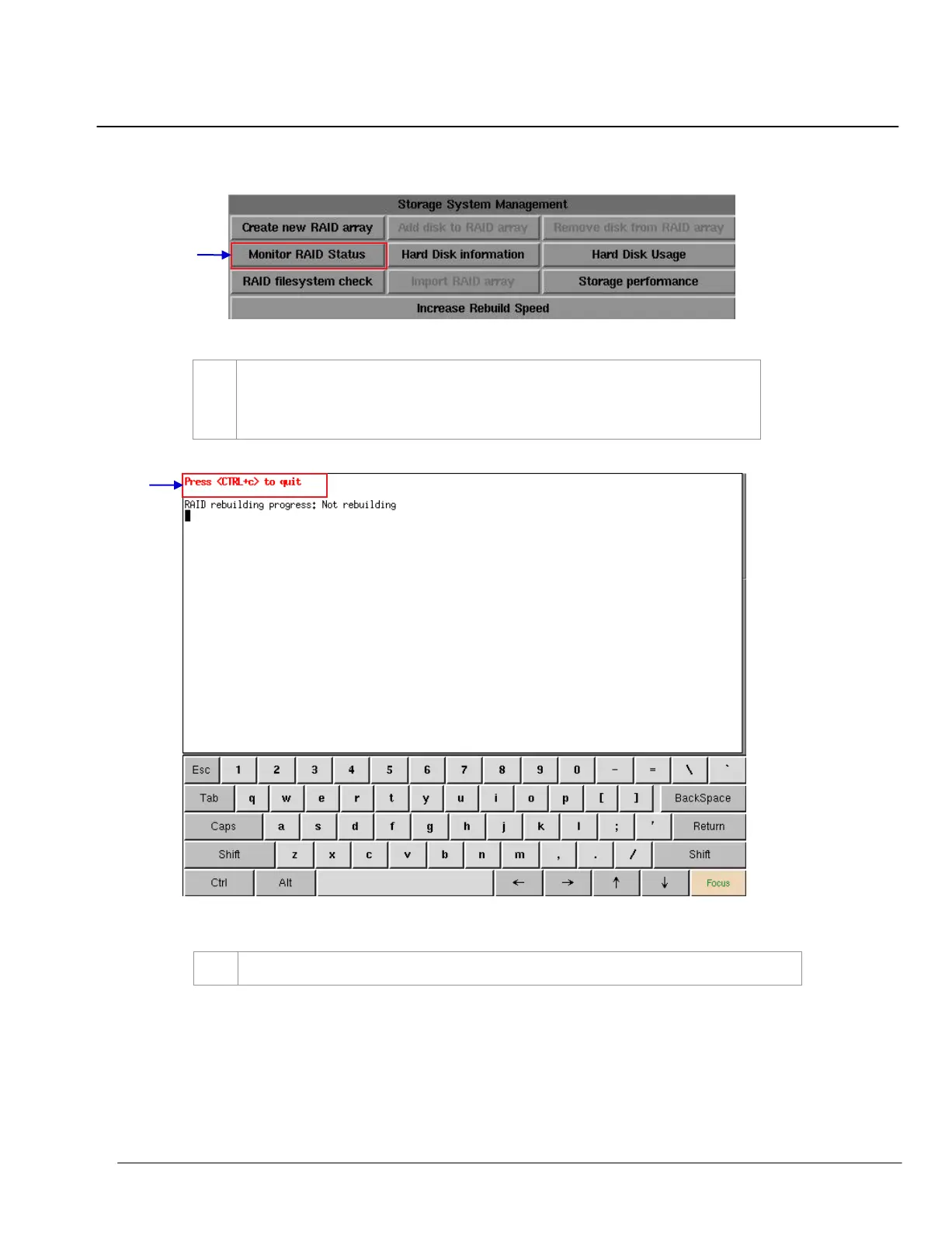
Figure 84 Storage System Management [Monitor RAID status].
Select
Monitor RAID Status. When the RAID is rebuilding, it displays the rebuilding
progress as normal function to the previous RAID setup. A new window appears as seen in
Figure 85
.
Figure 85 Status of active RAID in the IMB
.
Press
<CTRL + c> to quit and return to the Storage System Management menu.



 To Next Page