SX-3000 Standalone Integrated Media Block™ with
Portable Storage/ Enterprise Storage User Manual
2.3.5.3.7. Restart/Save/Cancel
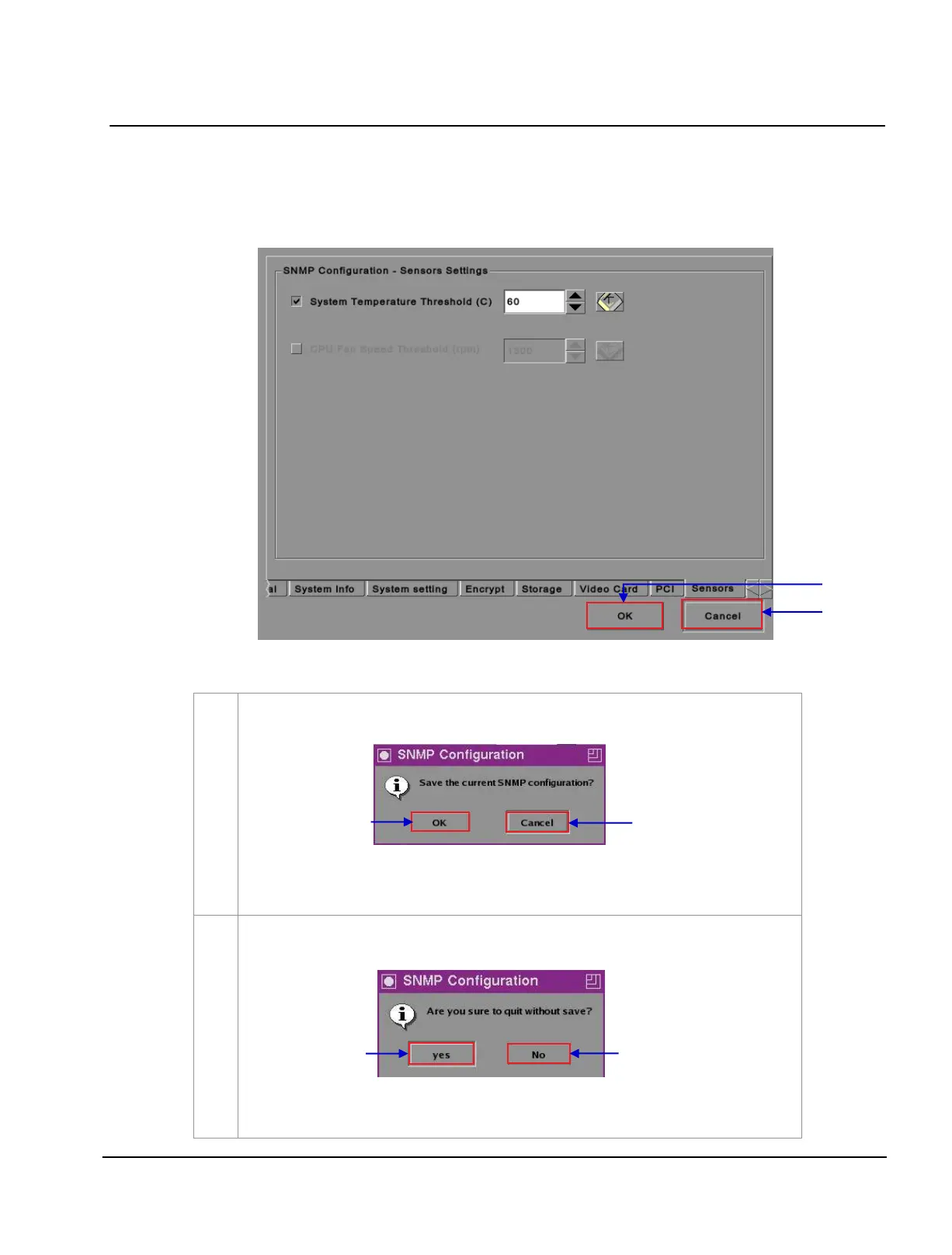
Figure 22 Pop-up window for restarting SNMP service.
After the settings are complete, press
OK to confirm. A small window pops out asking if you
want to save the current SNMP configuration.
(a) Select
OK to save the configuration.
(b) Select
Cancel to cancel the configuration.
Press
Cancel if you want to cancel the operation. A small window pops out to confirm if you
want to quit without saving.
(a) Select
Yes if you want to confirm.
(b) Press
No if you want to cancel the operation.



 To Next Page