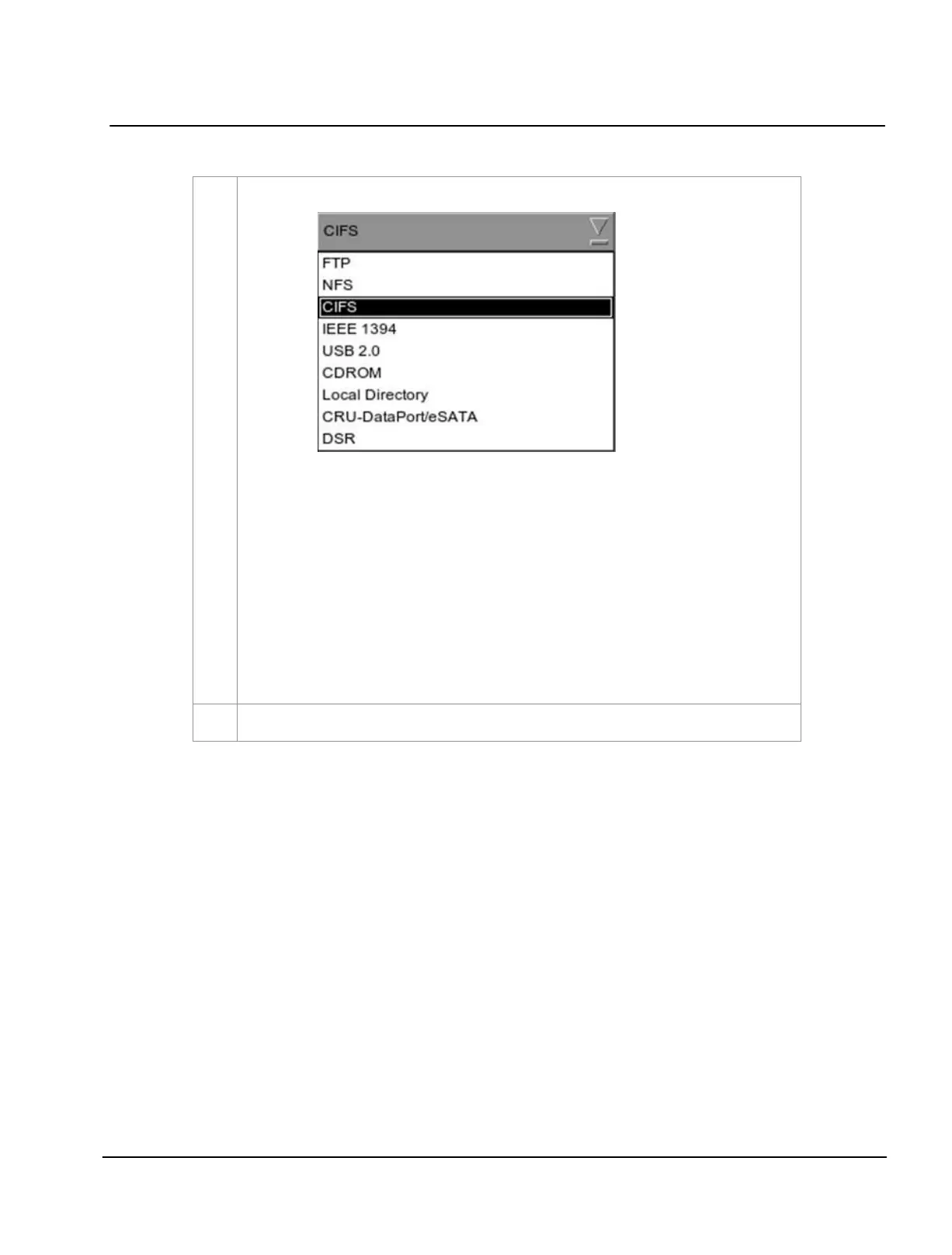
Set the parameters of the source. Select the type of source from a dropdown list.
Type in the server name (source IP), source directory (source path), username and password of
the selected source.
NOTE:
1. For sources such as
FTP and CIFS, the IP address, source path, username and
password are enabled. The username and password are optional provided that
the data source is not protected by username and password. For example, some
window shares can be accessed without username and password, while other
window shares need a username and password.
2. For source such as
NFS, only the server name and directory are enabled. The
username and password entries are disabled.



 To Next Page