SX-3000 Standalone Integrated Media Block™ with
Portable Storage/ Enterprise Storage User Manual
5
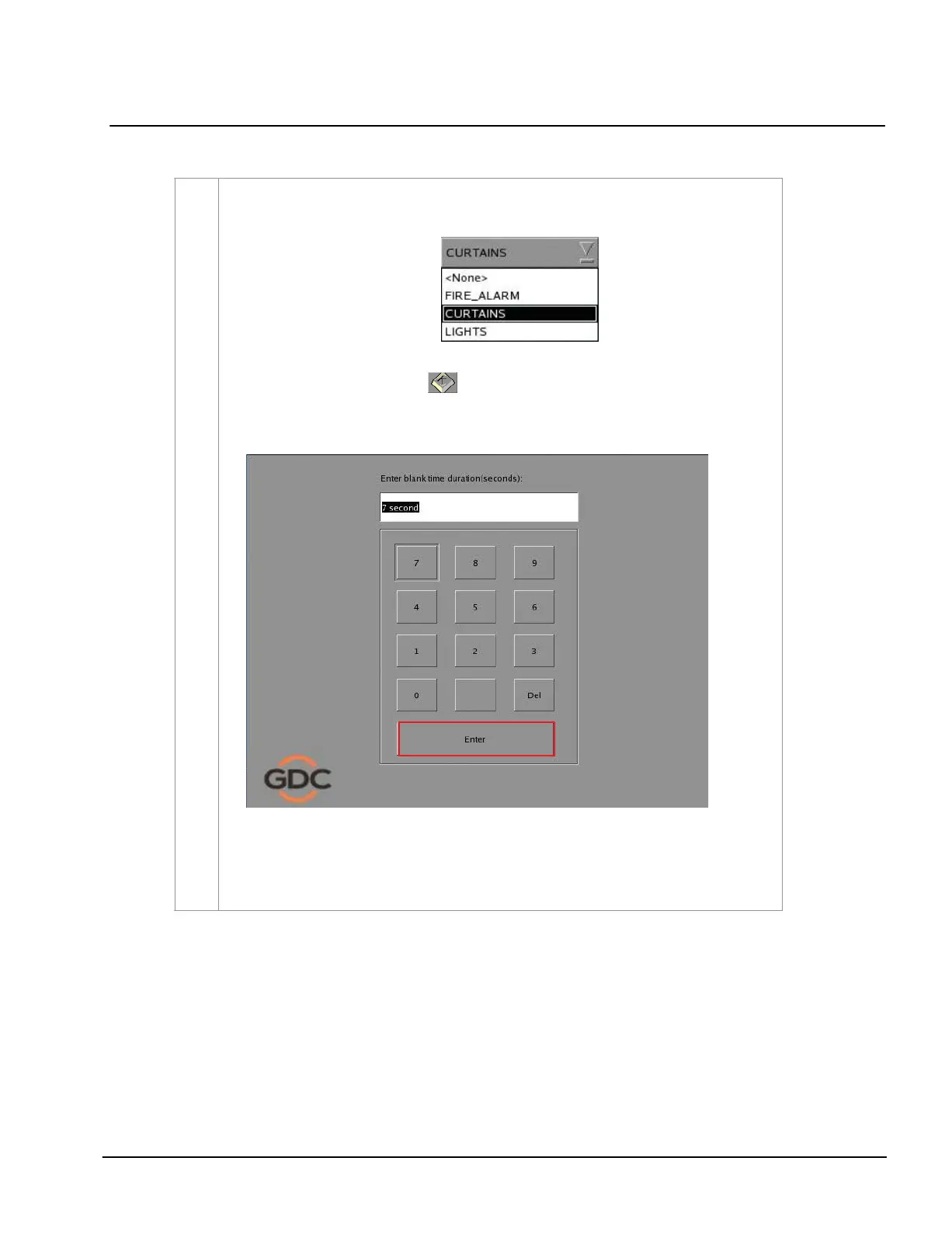
To add a start cue, tick the
Start Cue option and select the desired automation cue label from
the dropdown list as seen below
.
To specify the blank time, press
and a blank time entry window will open. Key in the
desired blank time and press Enter
.
NOTE: A start cue is activated immediately before the composition plays. The blank time
indicates the time interval between the end of the start cue and the start of the composition’s
playback.



 To Next Page