SX-3000 Standalone Integrated Media Block™ with
Portable Storage/ Enterprise Storage User Manual
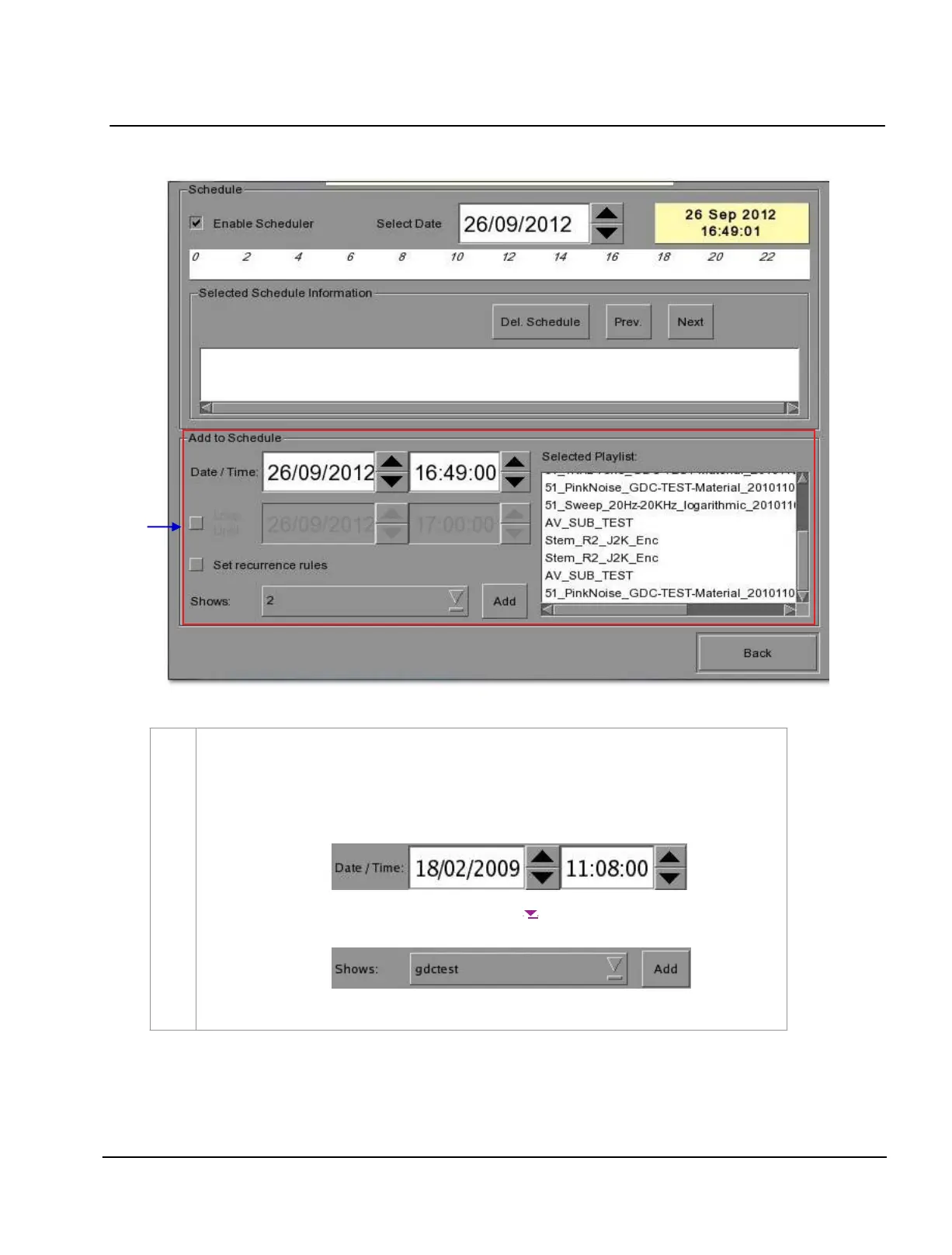
Figure 34 Scheduler menu.
2
Go to the bottom section named
Add to Schedule. At Date / Time, indicate the date and time
to
schedule the show
.
(a) The date format is DD/MM/YYYY and the time format is HH:MM:SS. To select the day
,
click on DD and adjust to the required day using [▲] and [▼]. Repeat the same for MM, YYYY,
HH, MM and SS.
(b) At
Shows, select the playlist for the show. Press [ ] to view all the playlists already
saved in the IMB. Select the required playlist.



 To Next Page