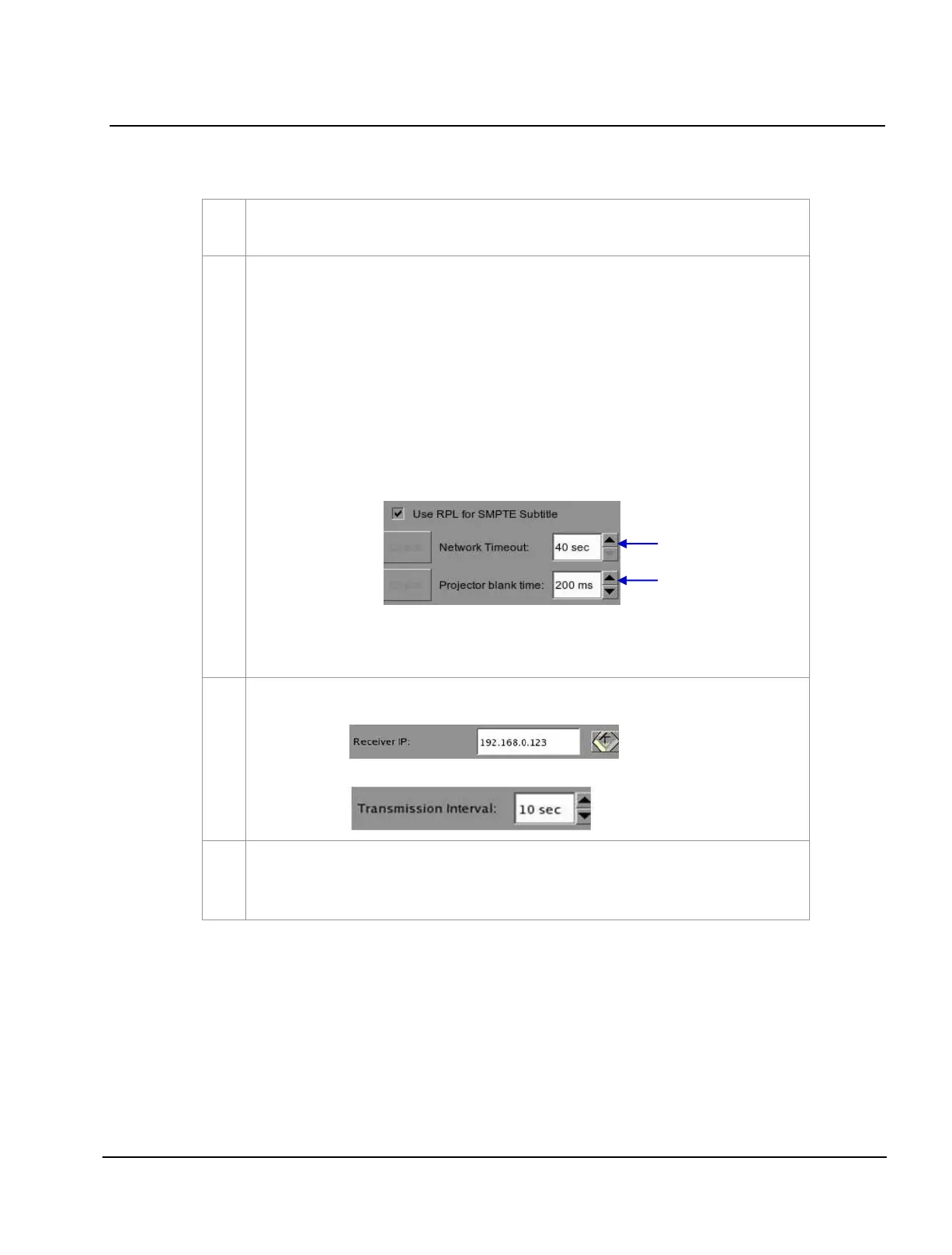
Use the
[▲] [▼] buttons to adjust the Network Time out and Projector blank time
.
(a) At Network Timeout, indicate how long the IMB will wait for the projector to respond to
accept the subtitles before popping up an error message. Error can occur due to:
• Incorrect configurations on the IMB and projector. Make sure the IMB and projector are
set on the same LAN network.
• Loose network cable connection between the IMB and projector
.
(b) At
Projector blank time, indicate how long the projector should be blanked during change
of PCF or format before playback should commence. This is needed because the projector
shows some noise when the PCF or format is changed.
Tick the Enable Network Time Code Transmission option to enable network transmission. At
Receiver IP, use the on-screen keyboard to type in the Network IP address.
At
Transmission Interval, use the [▲] [▼] buttons to adjust the time of transmission interval.



 To Next Page