GE MEDICAL SYSTEMS
DIRECTION 2300000, REVISION 1 LOGIQ™ 5 SERVICE MANUAL
6 - 6 Section 6-3 - Power Supply Adjustment
Section 6-4 Reloading the Probe Data (cont’d)
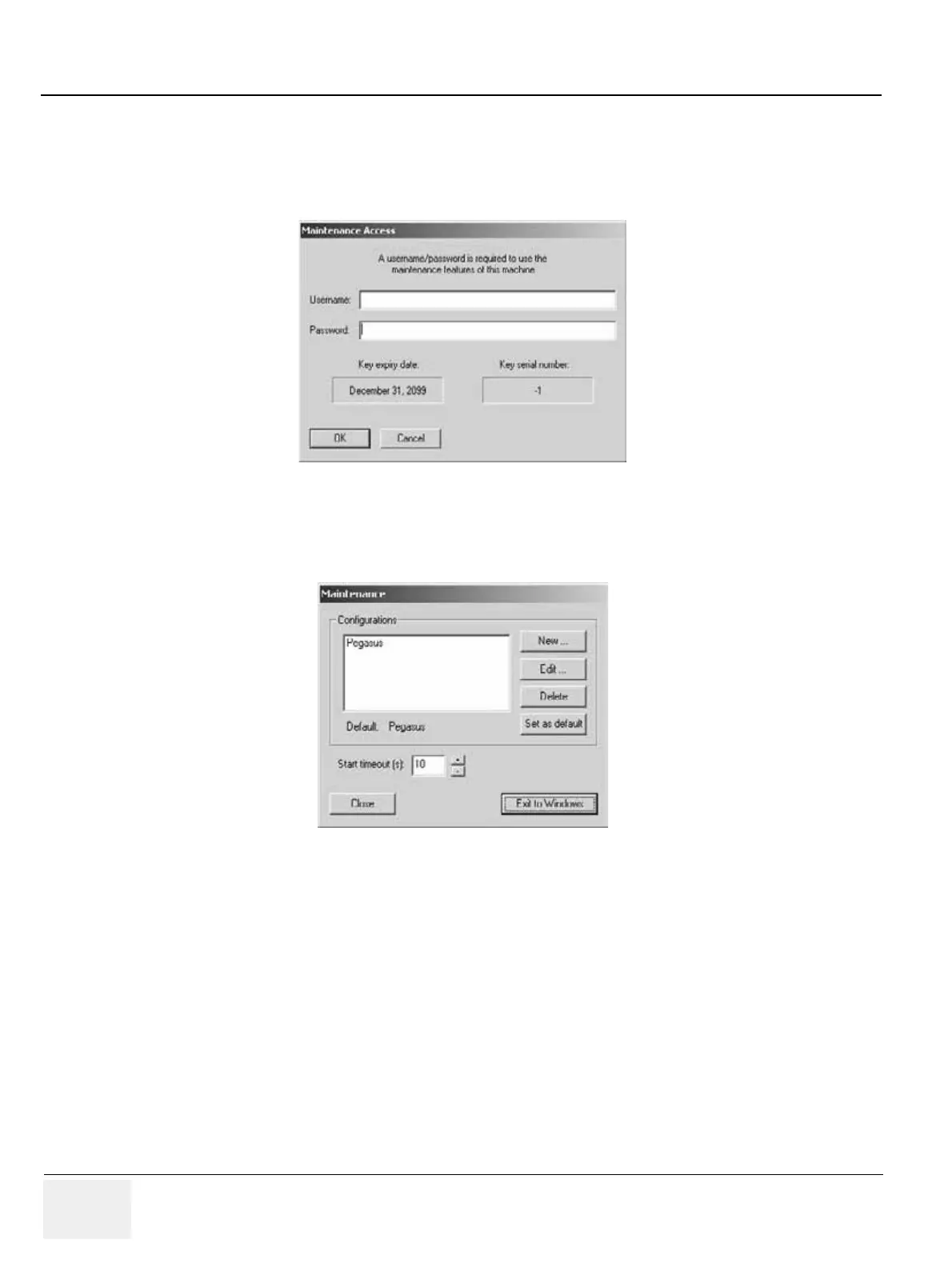
5.) Then the Maintenance Access Menu will be shown on the monitor display. Enter the password to
logon the system. The User Name is not necessary.
6.) Then the Maintenance window will be shown on the monitor display. Select the “Exit to Windows”
button.
Figure 6-6 Password Entry Screen
Figure 6-7 Maintenance Window



 To Next Page