GE MEDICAL SYSTEMS
D
IRECTION 2300000, REVISION 1 LOGIQ™ 5 SERVICE MANUAL
Chapter 3 Installation 3 - 7
Section 3-3 Receiving and Unpacking the Equipment (cont’d)
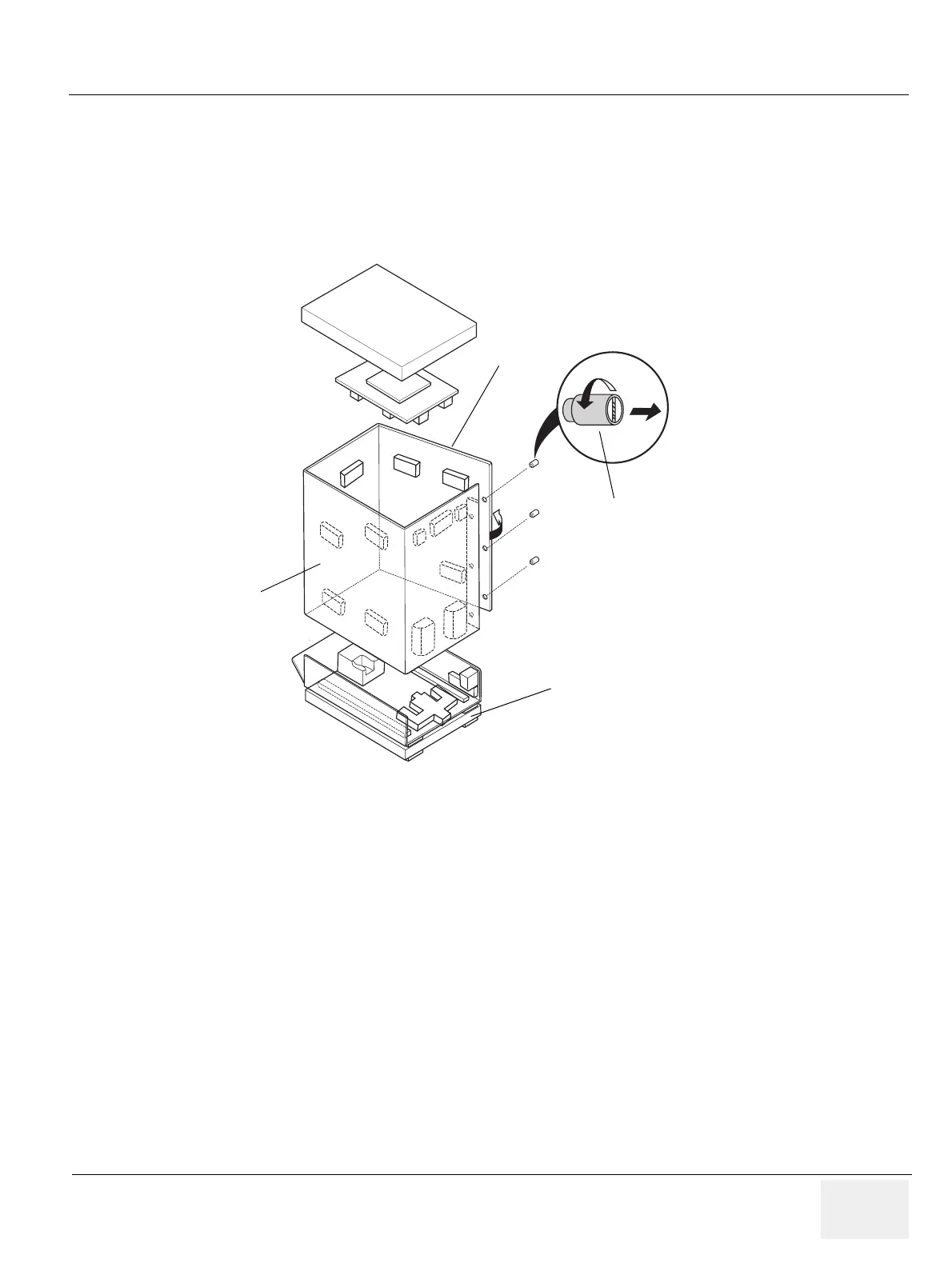
4.) Remove the three PLASTIC JOINTs from the OUTER SLEEVE
5.) Remove the OUTER SLEEVE.
6.) Remove the INNER SLEEVE.
Figure 3-10 Removing Plastic Joints and Sleeves
Plastic Joint
Outer Sleeve
Inner Sleeve
Palette Assy
Monitor Supporter


 To Next Page
 Loading...







