Clock In/Out
This is a feature that enables Staff hours to be tracked; the staff member should
‘clock in’ at the beginning of their shift and ‘clock out’ at the end of their shift.
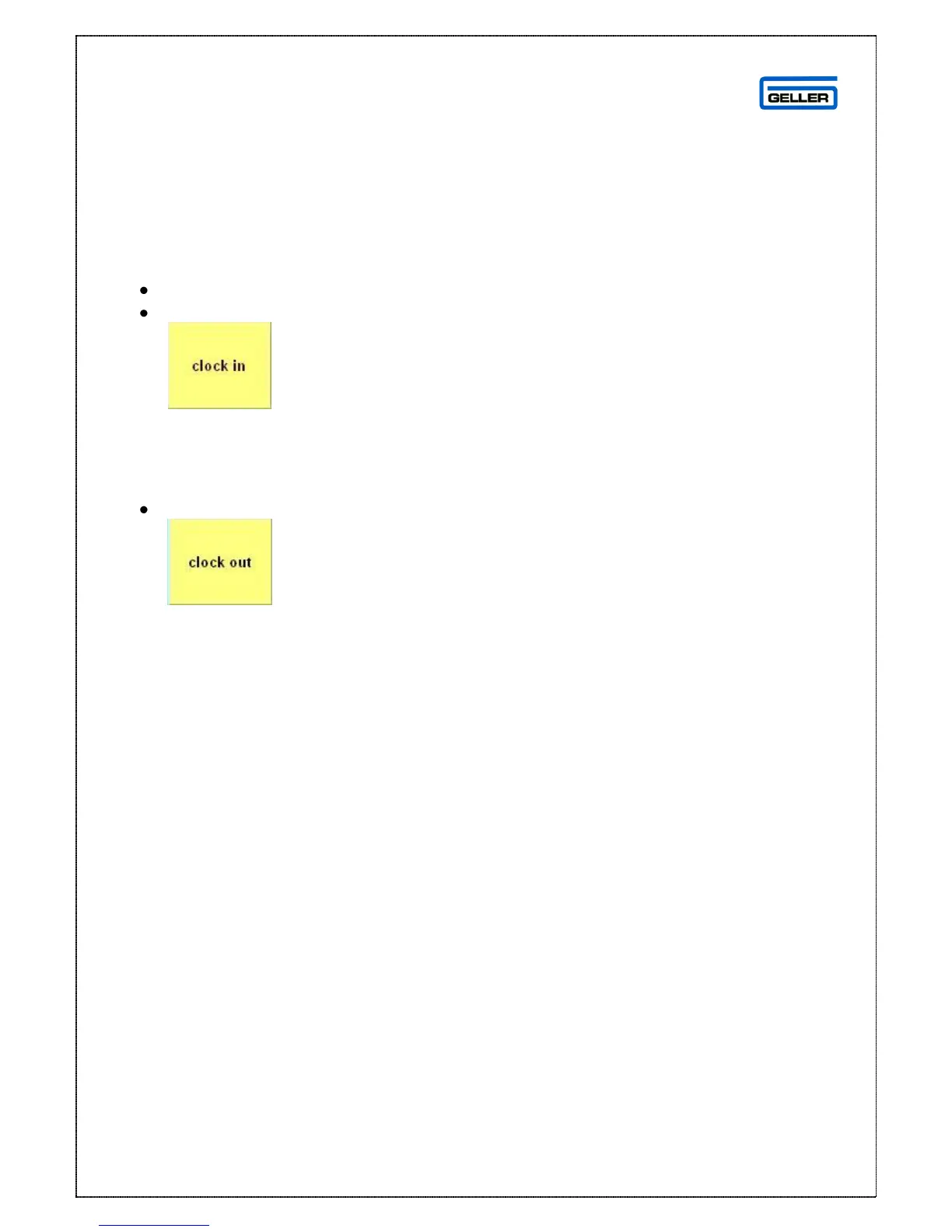
To Clock In
Log on to the POS
Select
This will register the Operator and the time the clock in function was selected; this is
the start of their shift
To Clock Out
Select
This will register the operator and the time the clock out function was selected; this
is the end of their shift
In crystal reports you can run an operator hours report which shows the clock in/out
times and the hours and minutes worked



 To Next Page