Serial Tracking
Serial tracking is used to log details of products sold and to whom e.g. serial
numbers of guns
Set up a product for serial tracking
In the product record on the ‘Profile’ and ‘Options’ tab
Tick
On the ‘Settings’ tab
Set the minimum and maximum number of characters the serial number can
have
Selling a Product with serial tracking
On the terminal
Select the product to be sold
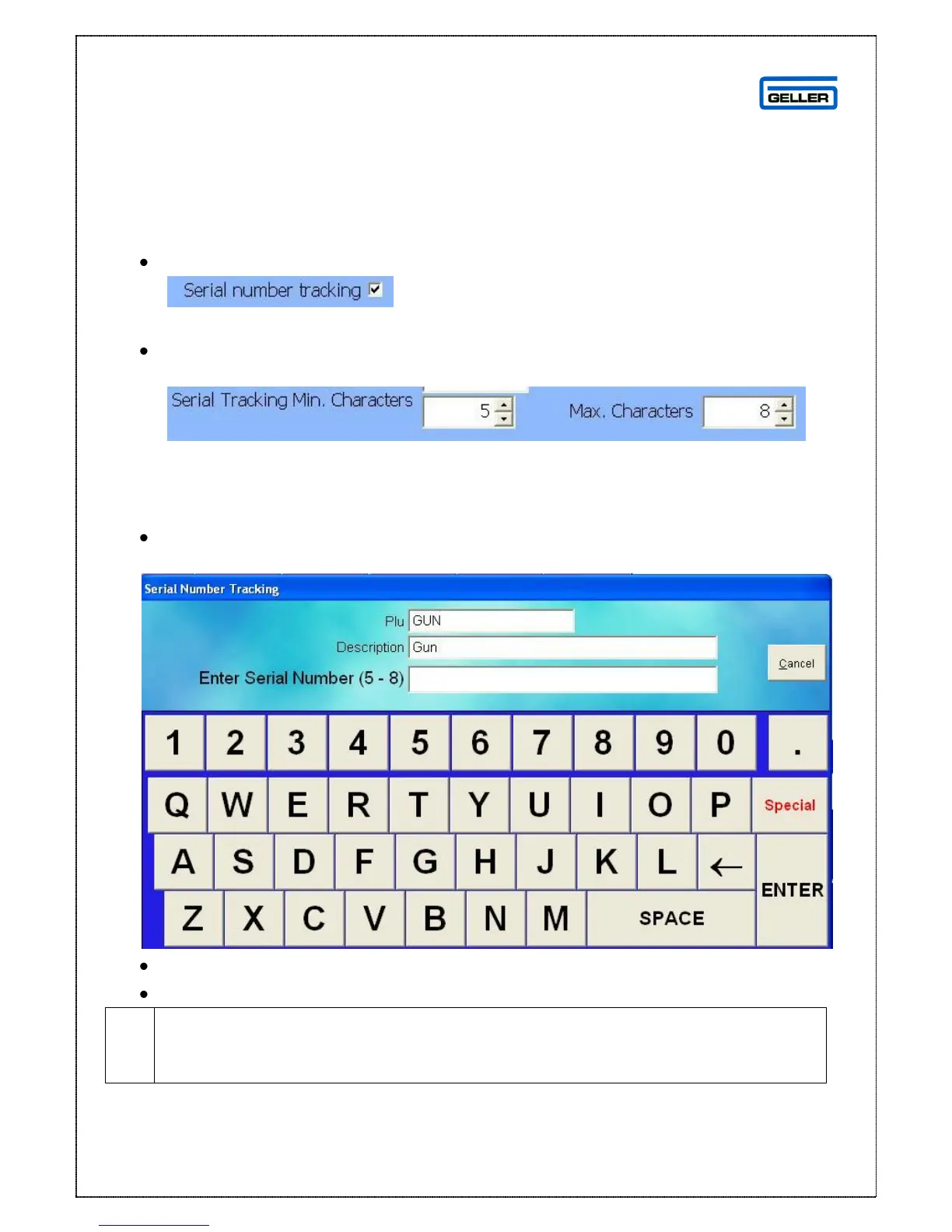
The serial tracking number screen is shown
Enter the serial number using the keyboard on the screen
Select the Enter key
If the reason menus are switched on you will see a reason screen – select the
appropriate reason – to add a new reason see the ‘Reasons’ section of the
manual



 To Next Page