Add a comment
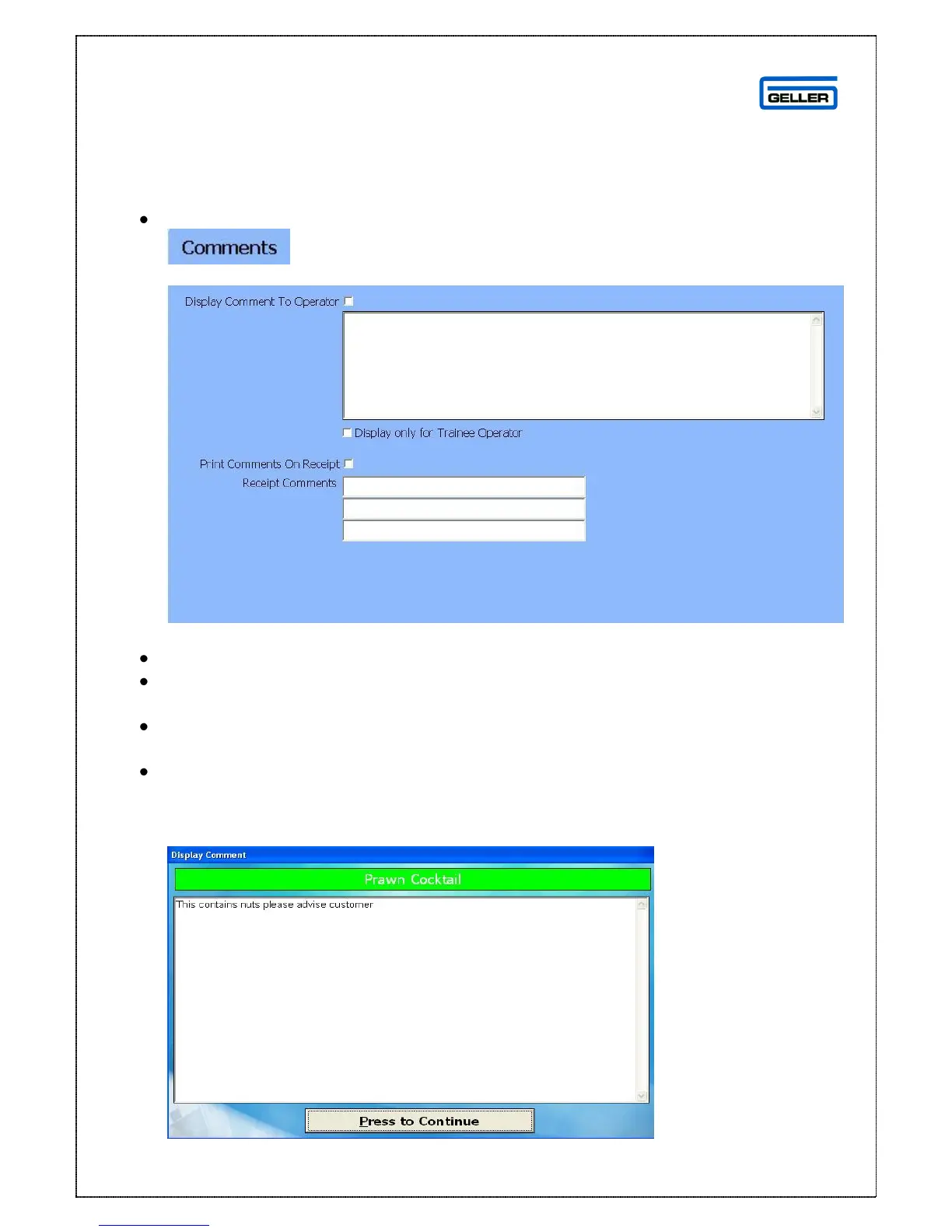
Comments are displayed on the terminal and/or customer receipts and are product
specific
Select
This will display the comments page
If the comment is to be displayed to the Operator only
Tick the display comment to operator box
Type text into the text box below
If the text is only for a Trainee Operator
Tick the display only for trainee operator box
If the comment is to print on a receipt
Tick the print comments on receipt box
If the text is different type the text into the receipt comments lines
Once the product is selected for sale on the terminal it will display this screen



 To Next Page