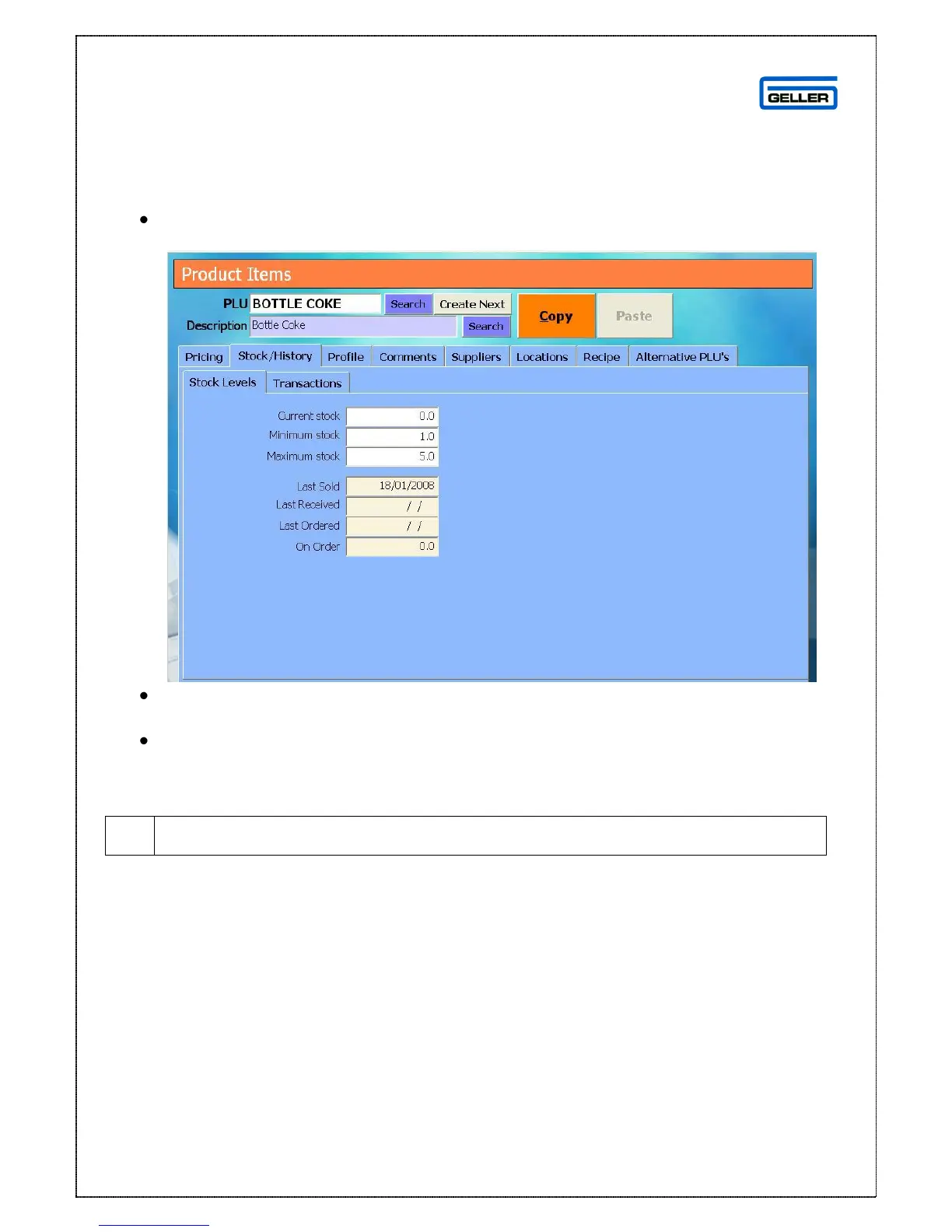
Setting a Product to use min and max criteria
Minimum and Maximum are levels set in the system for reordering purposes e.g. if
my min level is 5 and my max level is 10 and I have 7 in stock my reorder figure will
be 3
Find the product record of the product you want to set min and max levels for
Select Stock/History
This will default to the Stock Levels page
In the minimum Stock field enter the minimum stock holding you want for this
product
In the maximum stock field enter the maximum stock holding you want for
this product



 To Next Page