Loyalty
Loyalty is used to give customers reward points or discounts off of sales.
Setting Up a Customer for Loyalty Discount
Identify the customer you want to set up a discount for
On the ‘Profile’ tab
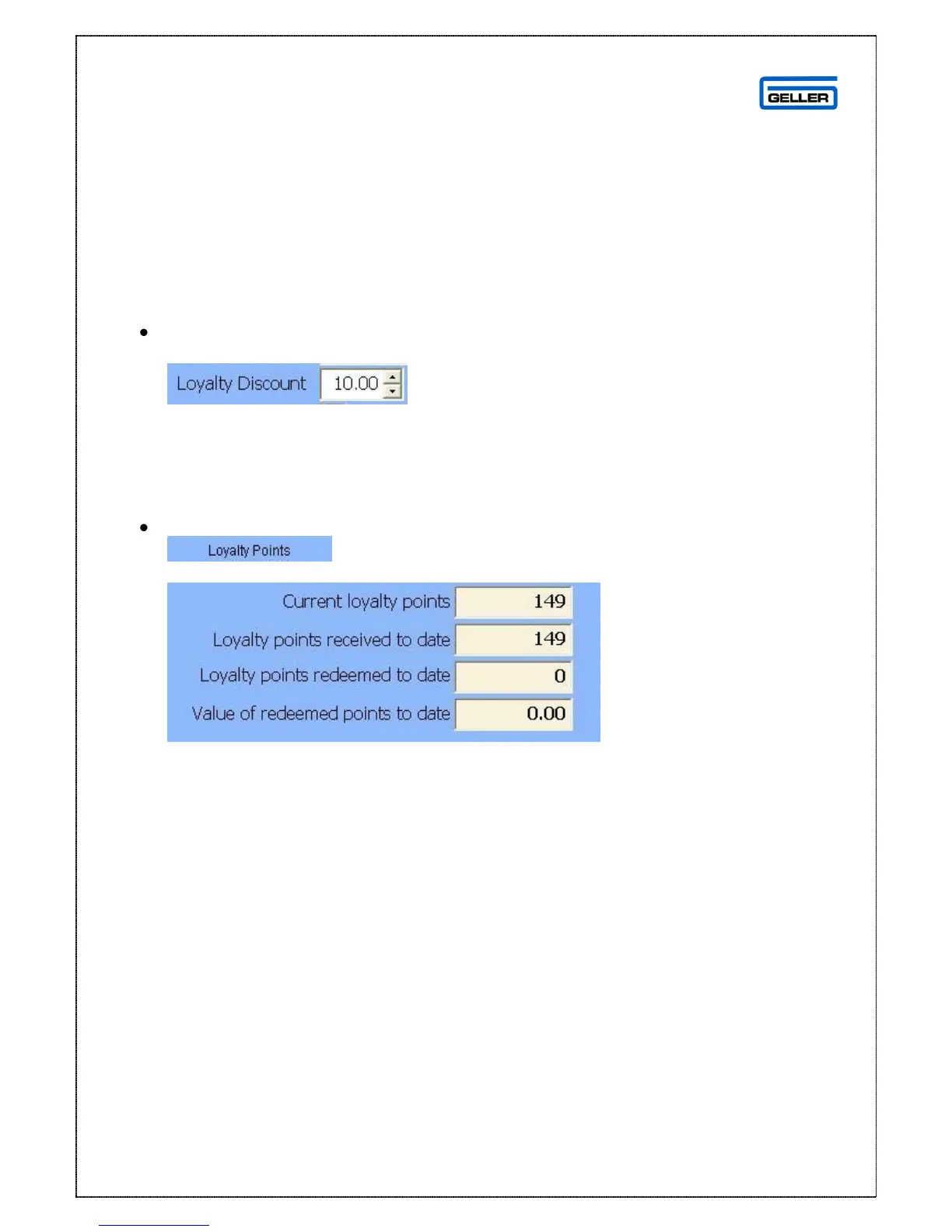
Enter the discount you want to apply to this customer in the Loyalty Discount
field
This will prompt on the terminal if you want to apply the discount every time you
identify the customer in a sale
Loyalty Points Overview
In the customer profile
Select the loyalty points tab
From here you can view a summary



 To Next Page