Reason Menus
Reason menus are attached to various till functions by default. When doing a
function on the till you are prompted for a reason e.g. voiding an item the reason
may be the order was incorrect
To add a value to a reason type
Select
Select
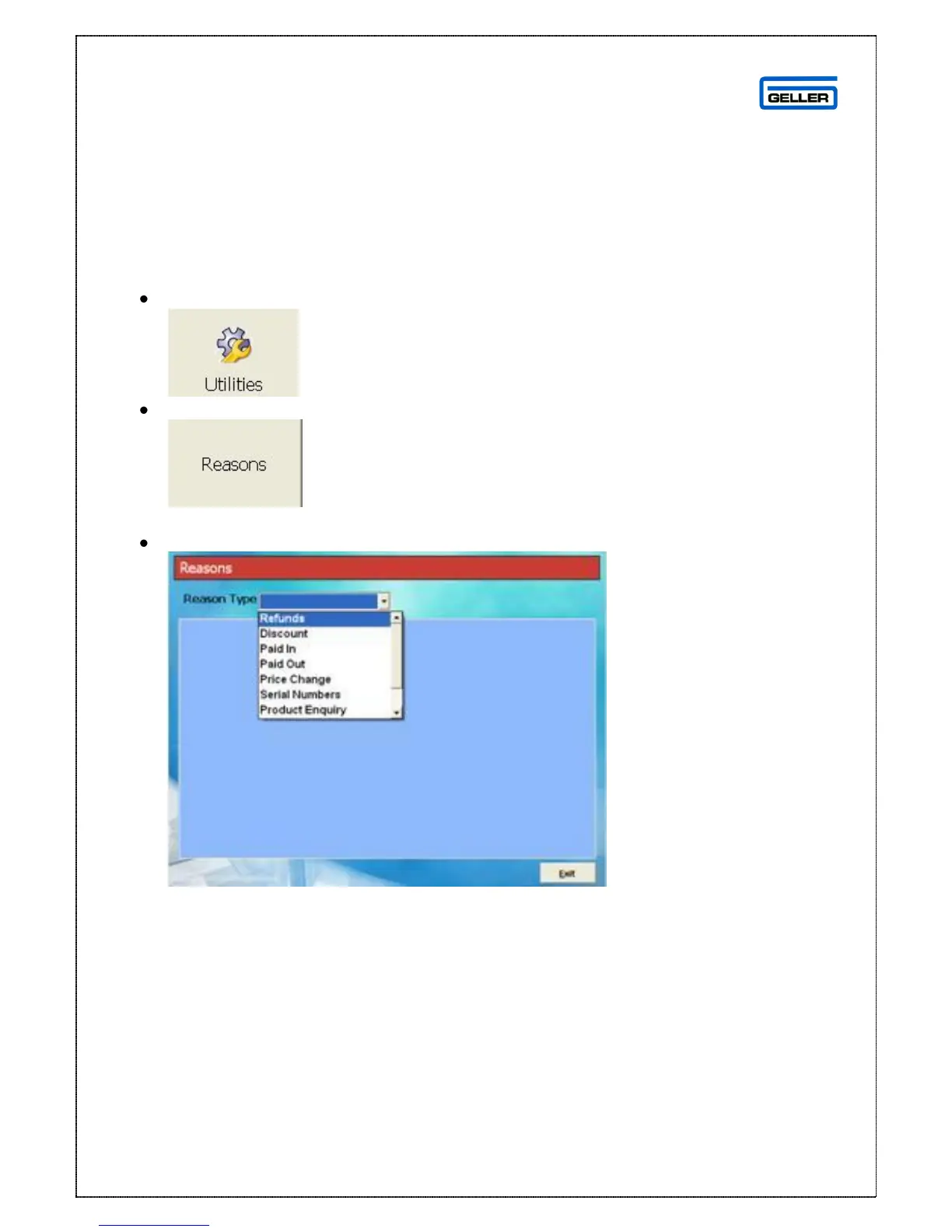
This displays the Reason Types Screen
From the drop down list select the Reason Type you wish to add a value to



 To Next Page