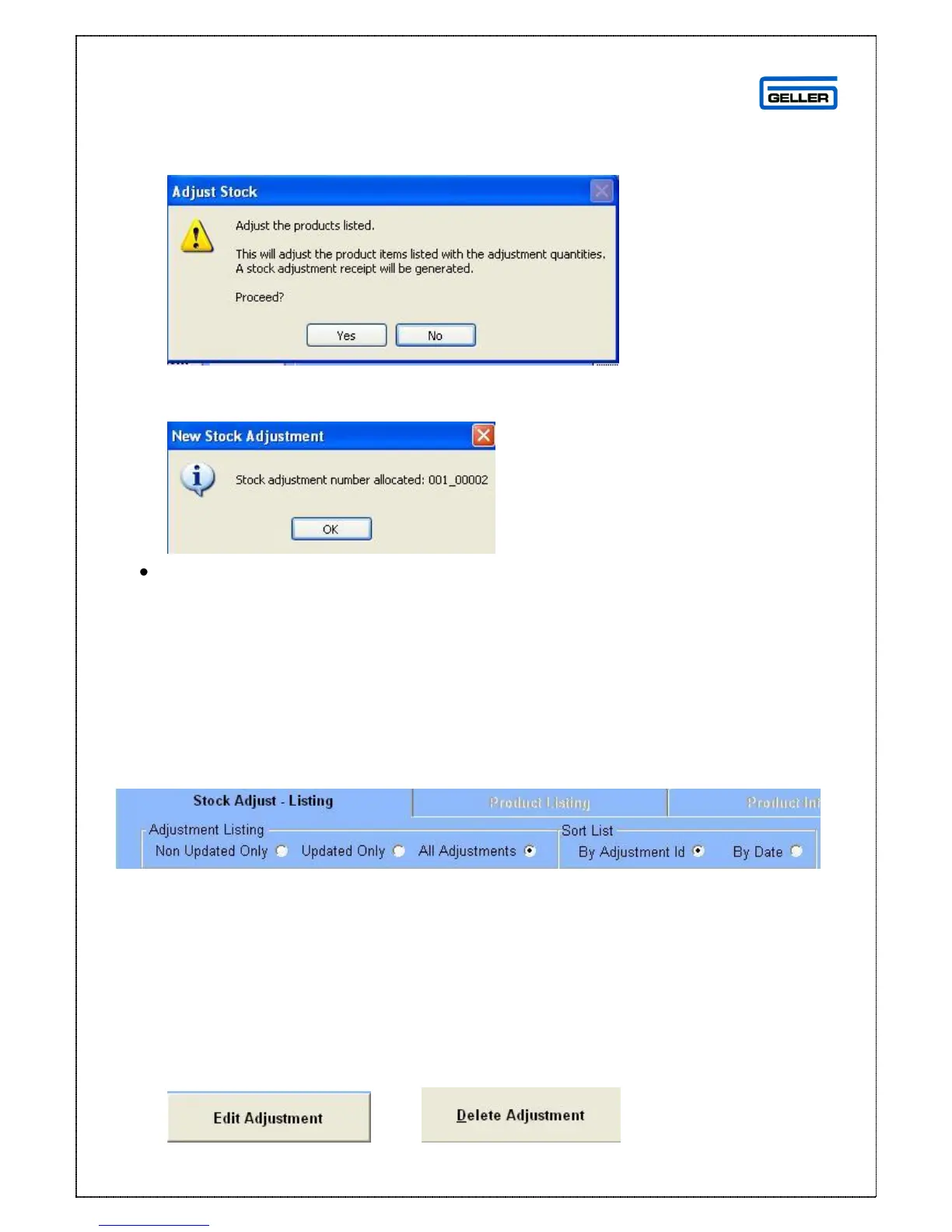
A confirmation screen will appear
If you are sure and want to proceed press Yes if not press No
If yes is selected the following screen will appear
Select OK
You will be asked if you would like to print the document for your records answer
Yes or No
You will be returned to the Stock Adjustments screen
Stock Adjustments Screen
The Stock Adjustments page can be viewed by choosing criteria to display
The default display is Non Updated Only; however you can change this by using
the radio buttons
From the radio buttons you can narrow down the selection to:
Updated Only = shows only Updated Adjustments
All Adjustments = shows Non Updated and Updated
You can sort the list by:
Adjustment ID
Date
The buttons down the side of the page will change depending on the status of
the highlighted entry, if the entry is pending (Non - updated) you will see:
and



 To Next Page