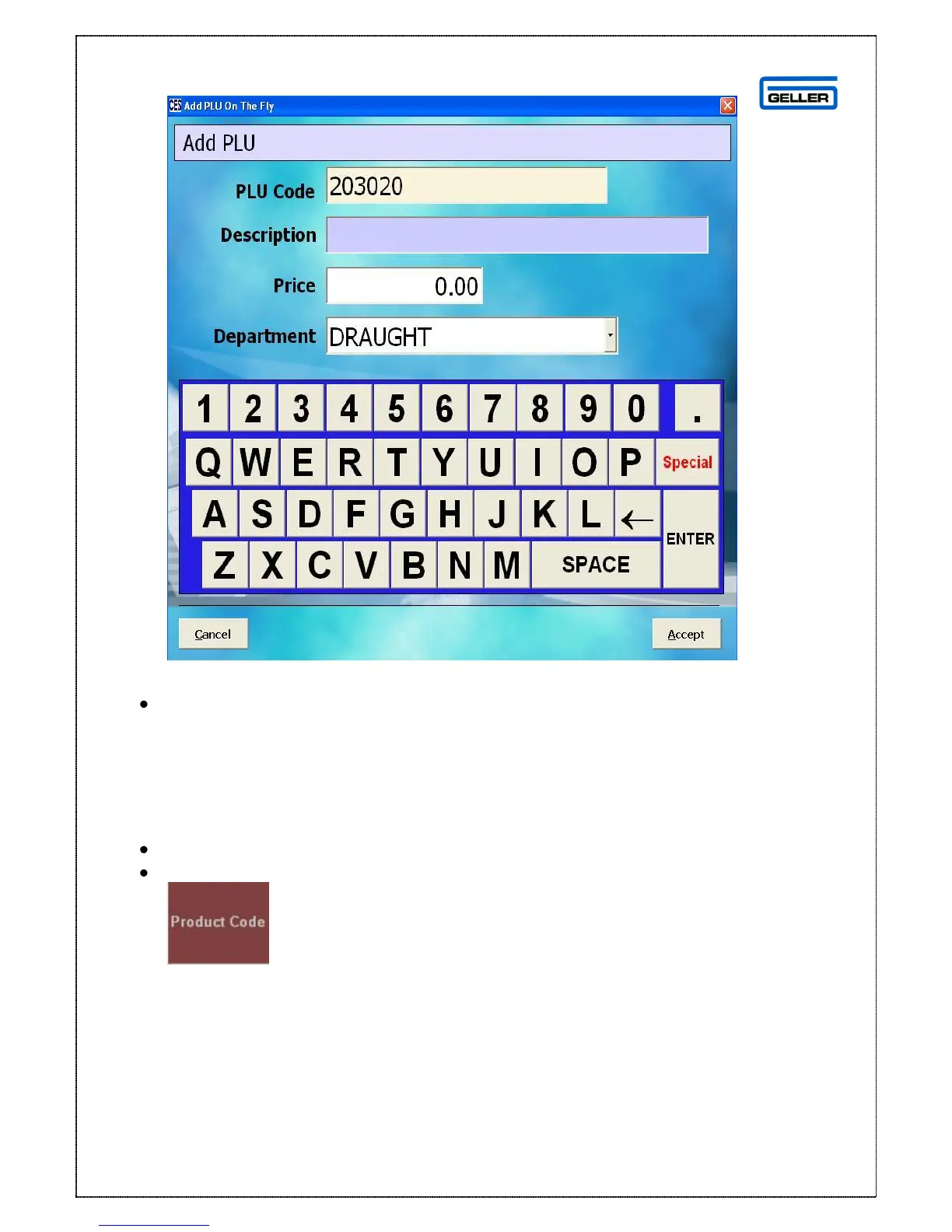
Enter the description, price and select the correct department
Select Accept
The product will be pulled onto the transaction screen
Product code
Product Code can be used when you have memorised the PLU and it is quicker to
type it in than look for the button or if the barcode is not scanning
Enter the PLU e.g. 12345
Select
The product and price appears in the transaction pane



 To Next Page