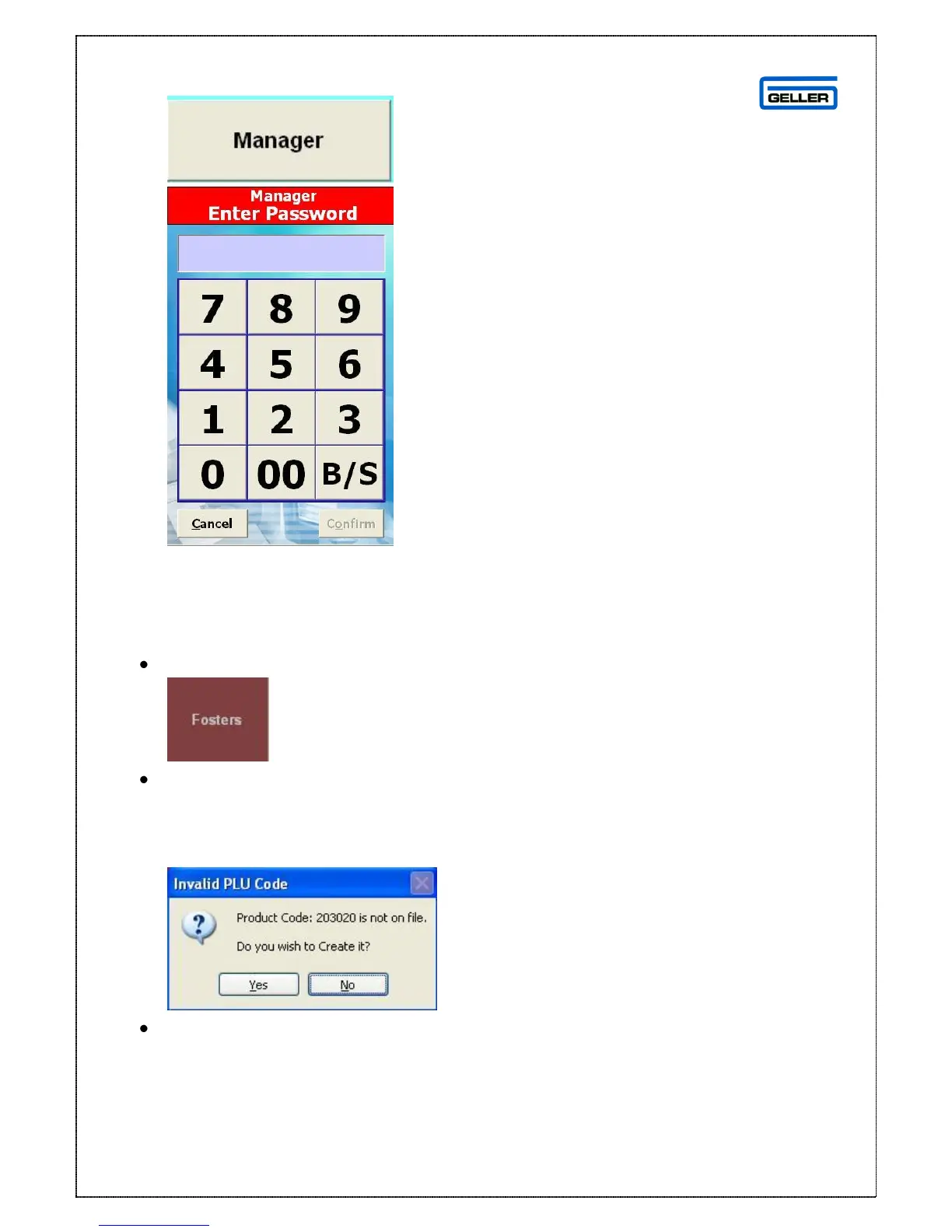
4. Swipe Card – User has a designated card to swipe on to the till with, this may
be password protected
Making a Sale
Select the product to be sold from the keyboard layout
The selected product and it’s price will be displayed in the transaction screen
If the product is not recognised because it does not exist there is a setting that can
be switched on to allow you to create products ‘on the fly’ in sales mode
You will see the following
Select Yes



 To Next Page