Press Enter, if you wish to create this product select Yes, if a
product with the PLU already exists you will be taken to that record
Enter the description of the product – this is limited to 30 characters and is
shown on reports
In the price levels section enter the retail price for the relevant sale sizes and
price levels
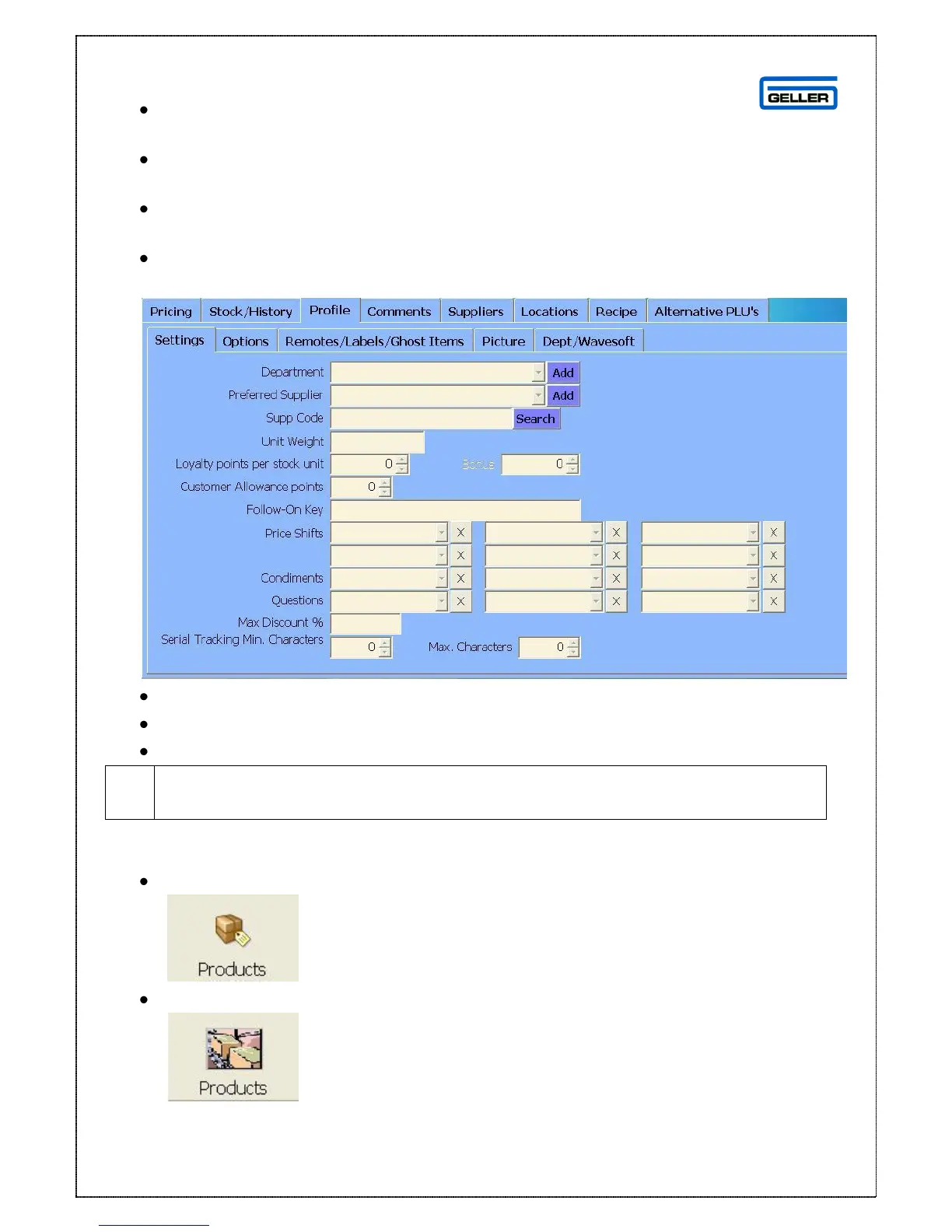
Select the ‘Profile’ tab
From the drop down list select the department the product belongs to
From the drop down list select the supplier
Select save
If the Department or Supplier does not exist select ‘Add’ and you can add
them straight in to the database



 To Next Page