EasyManua.ls Logo

Geller Touch - Editing Stock Adjustments; Deleting Stock Adjustments

Geller Touch
182 pages
Print Icon
To Next Page IconTo Next Page
To Previous Page IconTo Previous Page
Loading...
135
If the entry is Updated you will see:
and
Edit an Adjustment:
Highlight the adjustment to be edited
Select
You can either add an item to the adjustment by selecting
Or you can edit an item on the adjustment by highlighting the item and selecting
Or by double clicking on the item line
From here you can
Change the cost price
Change the number In
Change the number Out
You can only edit an adjustment if it is pending
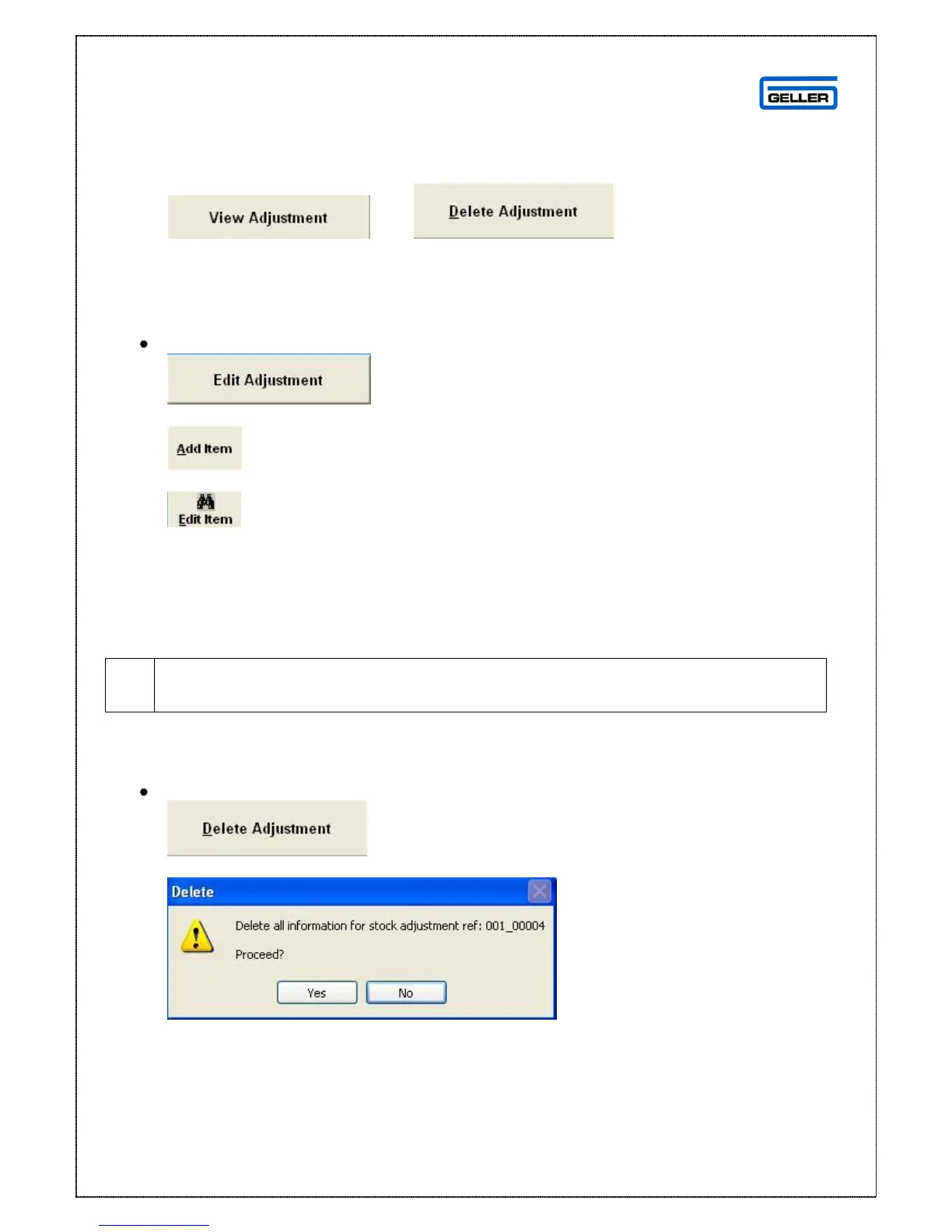
Delete an Adjustment
Highlight the adjustment to be deleted
Select
The delete confirmation message will be shown
If you want to delete the adjustment press OK, if not press No.

Table of Contents