Using the scanner for products with barcodes
From Sales Mode hold the product with the barcode across the beam from
the scanner
The product name and price appears in the transaction pane
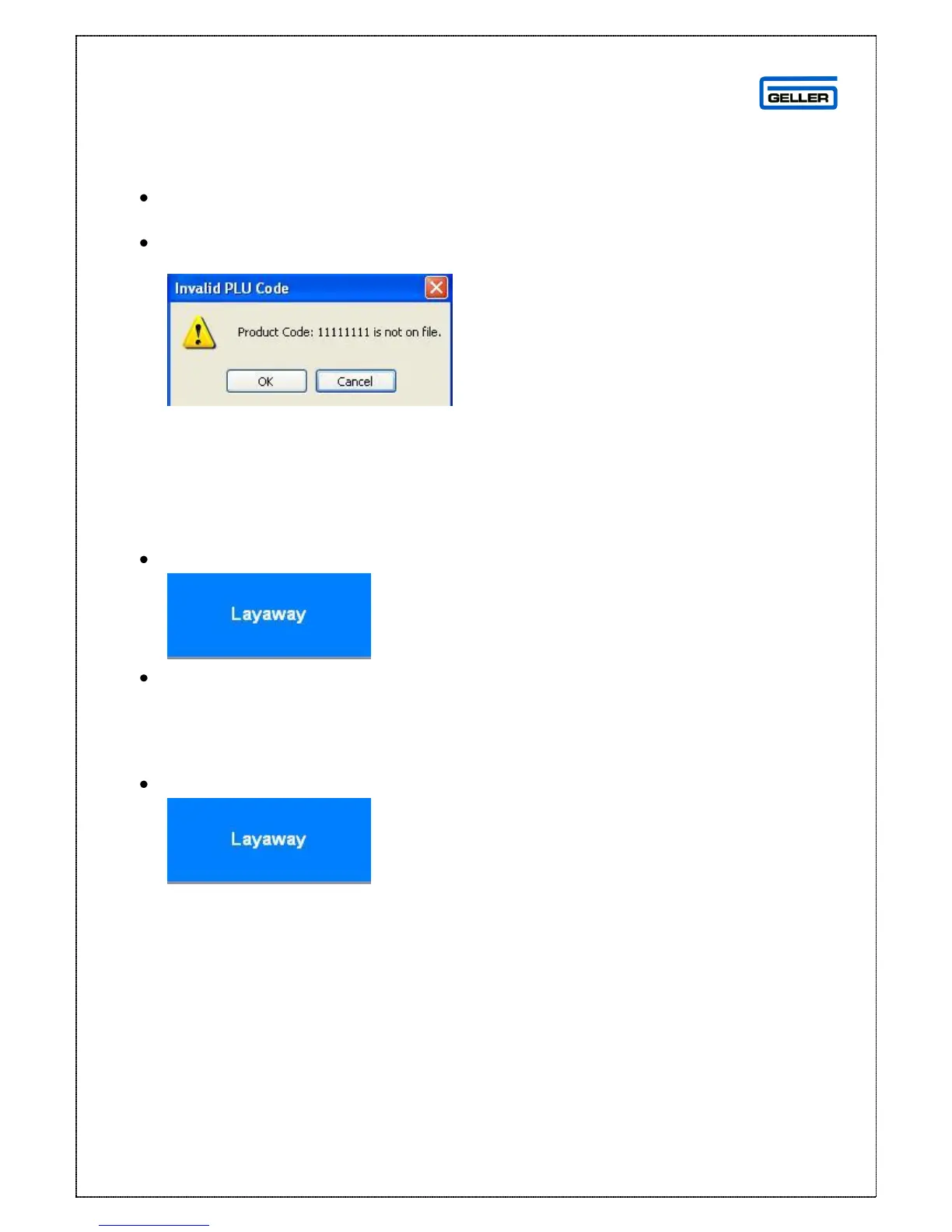
If you get this message
The barcode is not in the product record – add as a PLU
Layaway
This function can be used to temporarily store a transaction; a ‘Layaway’ can be
recalled by any operator
Select
The transaction will disappear and the main screen displayed
To recall a transaction that has been laid away:
Select
The Layaway recall screen is displayed



 To Next Page