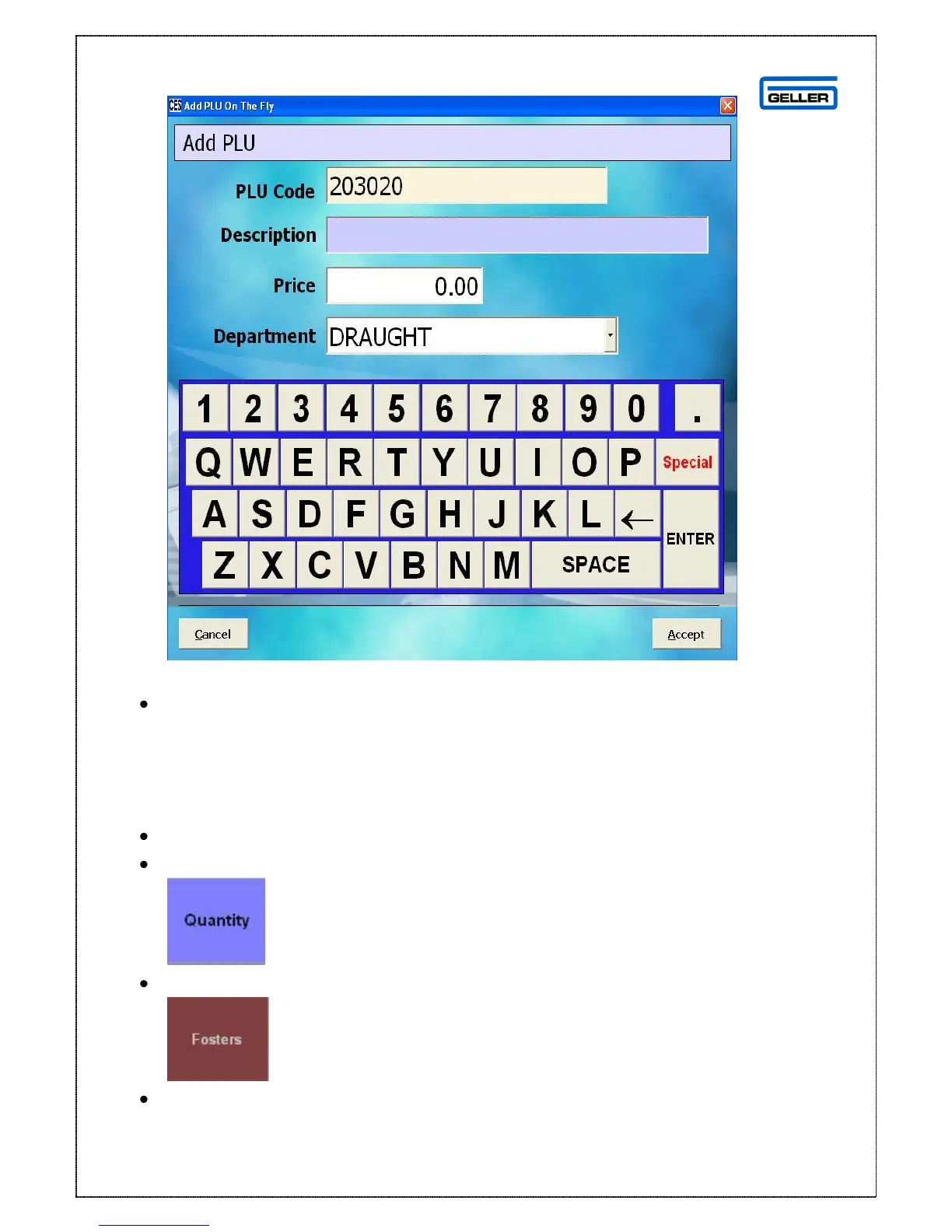
Enter the description, price and select the correct department
Select Accept
The product will be pulled onto the transaction screen
Using the Quantity Button
The Quantity button can be used to sell multiples of a product
Select the number to be sold from the number pad e.g.6
Select
Select the product
The selected product and it’s price will be displayed in the transaction screen



 To Next Page