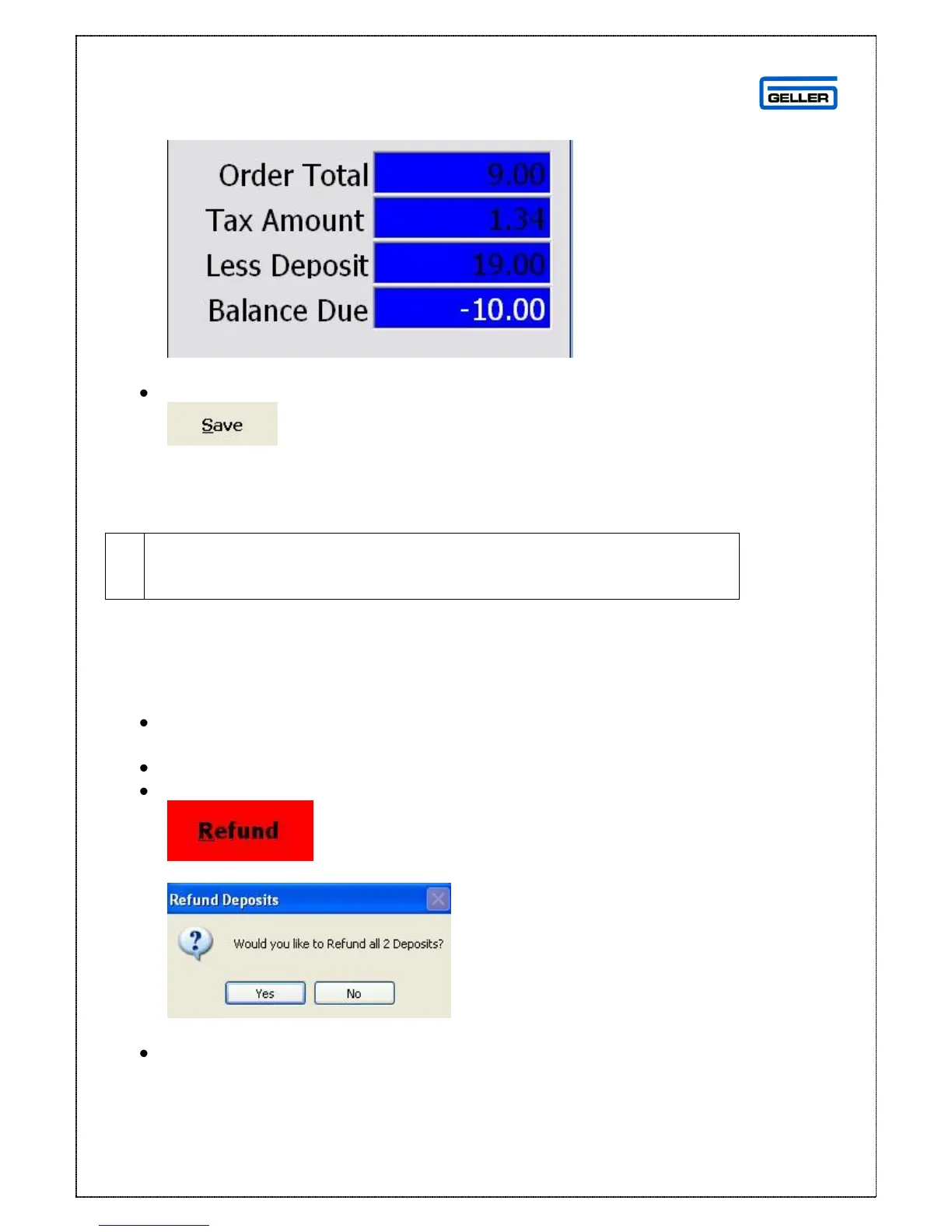
When you add a deposit to the order the order summary will be updated
to reflect it
To save the order
Select
This will save the order for collection at a later date.
This can be done when the order is being taken or after it has been
taken; there is no limit to the number of deposits you can attach to
an order
Refunding a Deposit from an Order
Recall the Order that you want to refund the deposit from
On the Product/Deposit Details tab
Highlight the deposit you want to refund back to the customer
Select
If you have more than one deposit on the order you will see the following message
Yes will refund both deposits; No will refund the highlighted deposit
Select No



 To Next Page