If you are using the stock control module as well please also refer to Stock In/Out
section of the manual before saving the item.
Select
Select
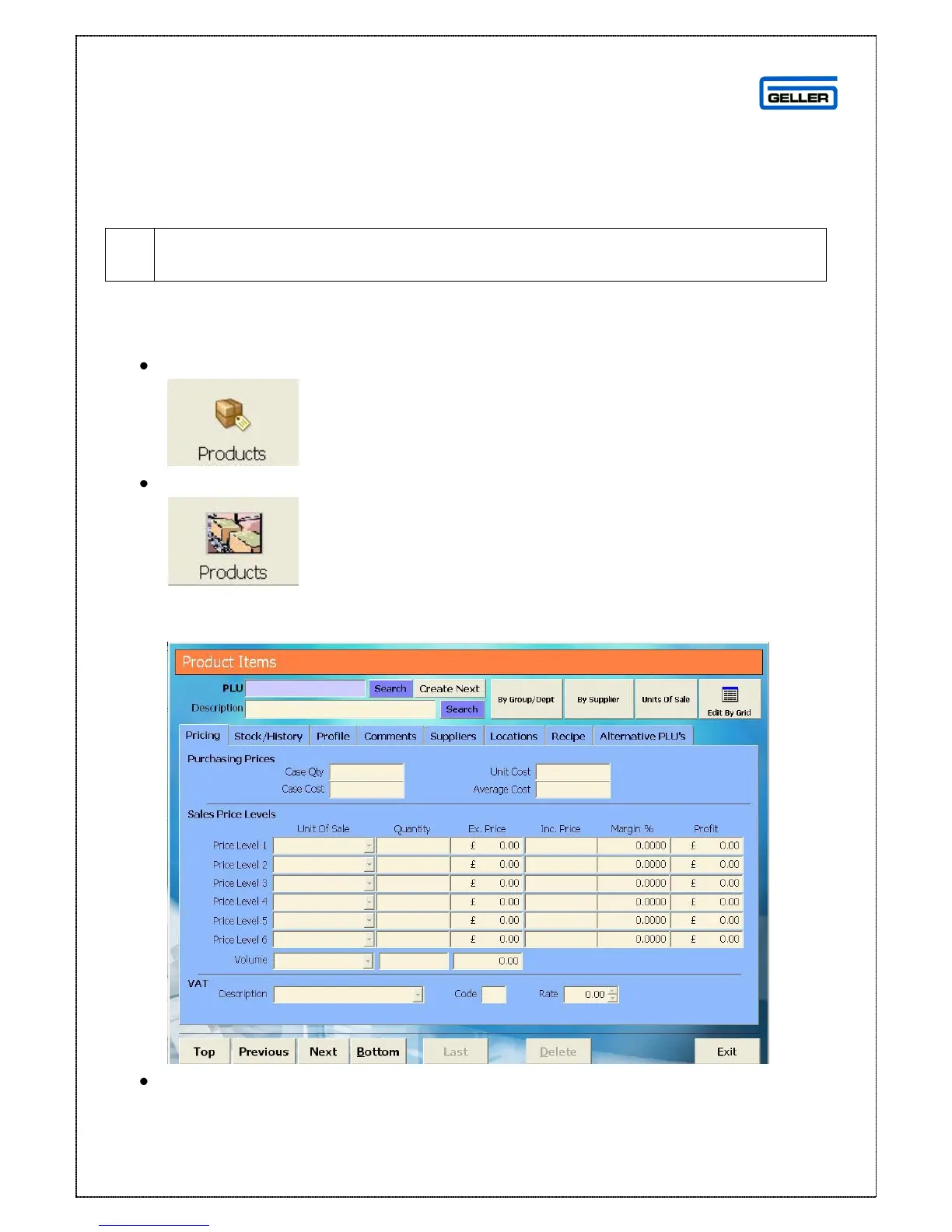
A blank product record is displayed
Enter the PLU number (barcode) or if not being used in conjunction with a
scanner enter the name of the product – this is limited to 14 characters,
defaults to uppercase and is shown on reports



 To Next Page