The product listing page is displayed with the changes reflected
If you do not want to save the changes made
Select
Select
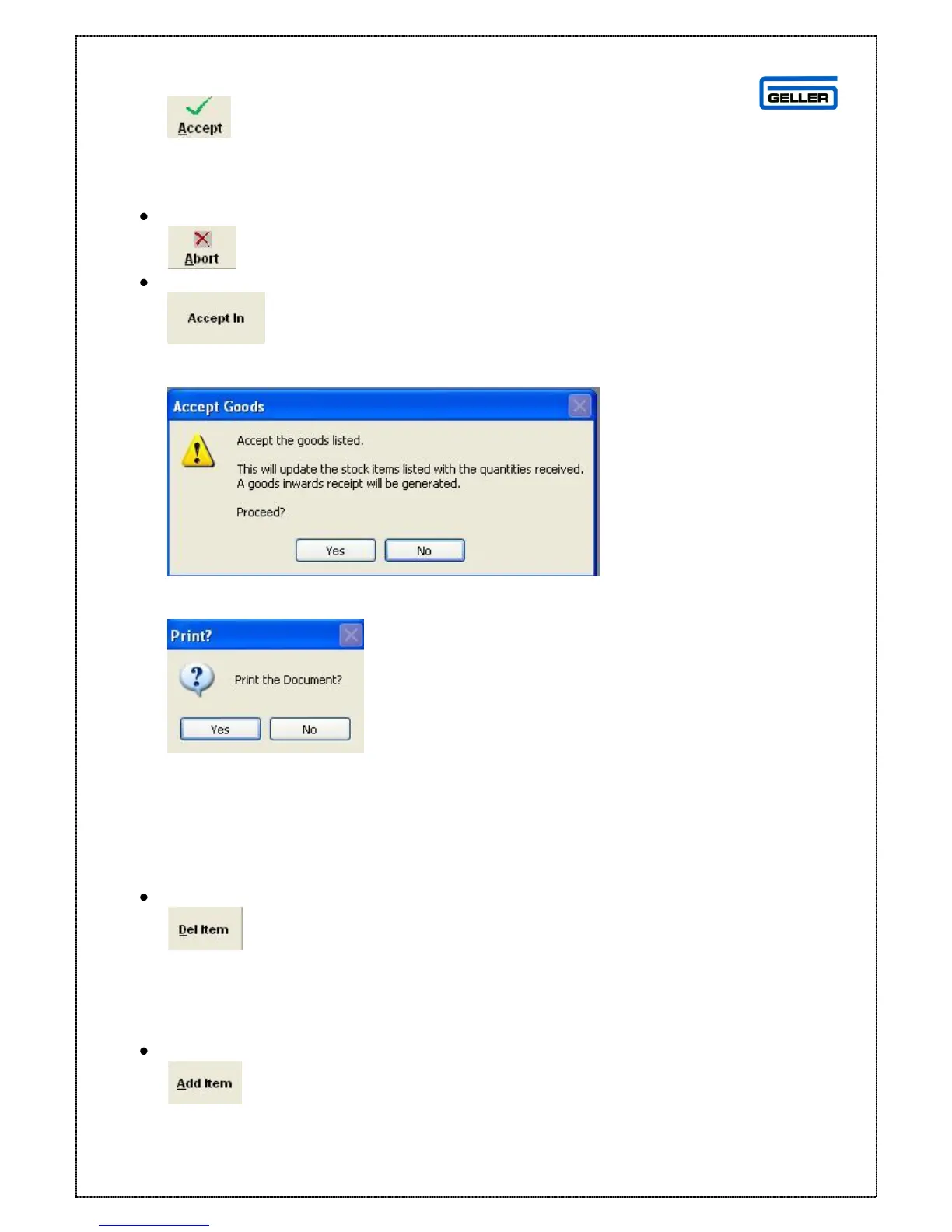
The accept goods in message will be shown
If the product and amounts were received say Yes, if not say No, assuming you
select Yes, you will be asked if you want to print a goods in document
The Goods in page will be displayed again but the Order you have just booked
in will not be there
Deleting an Item
From the Product Listing page highlight the product to be deleted
Select
The product will be deleted from the order
Adding an Item
From the Product Listing page
Select
The following search box is displayed



 To Next Page