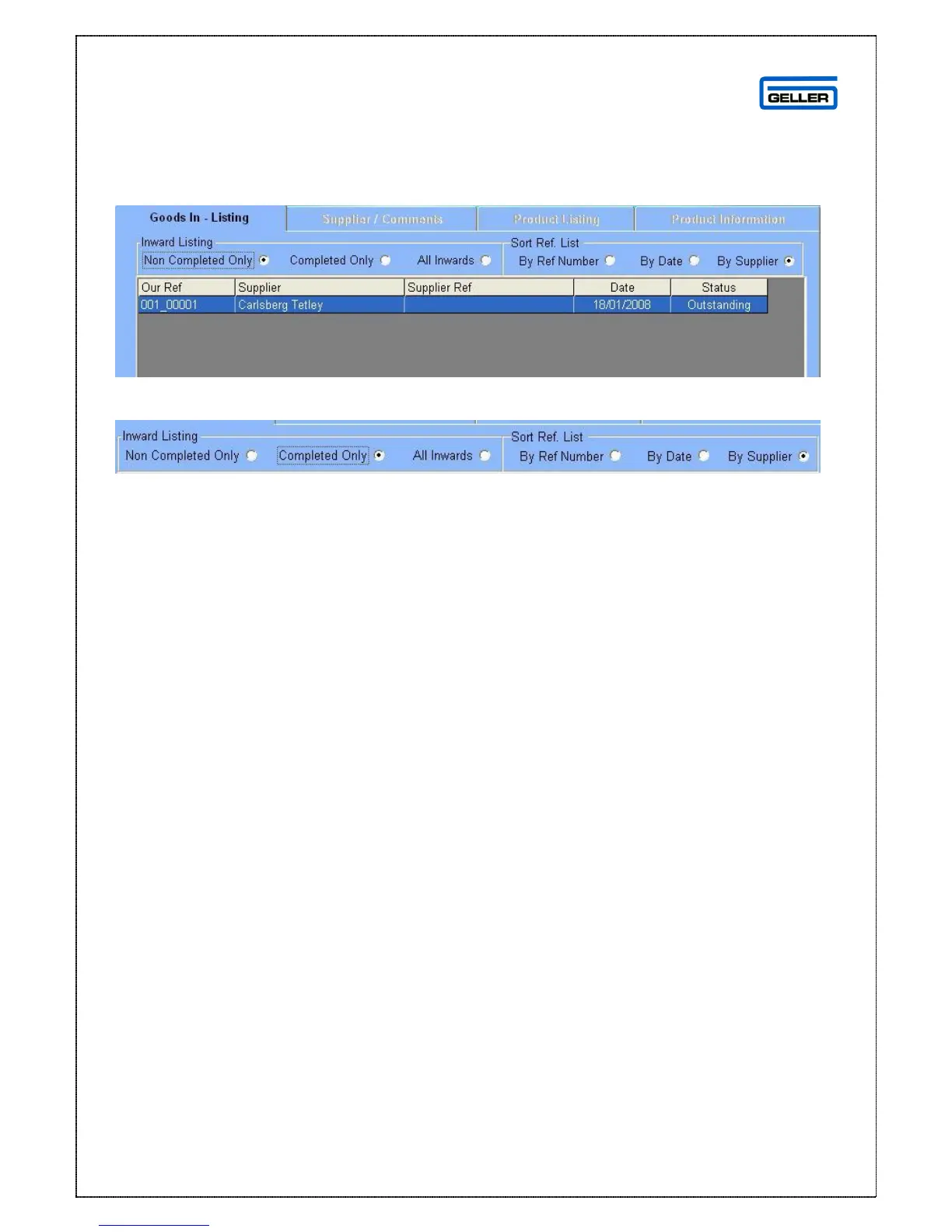
Goods In Page
The Goods In page can be viewed by choosing criteria to display
The default display is Non Completed Only; however you can change this by using
the radio buttons
From the radio buttons you can narrow down the selection to:
Completed Only = shows only completed Goods In
All Inwards = shows Non Completed and Completed
You can sort the list by:
Reference Number
Date (received)
Supplier



 To Next Page