EasyManua.ls Logo

Geller Touch - Customer Account Features; Allocating Swipe Cards to Customers; Recording Customer Birthdays;Anniversaries; Setting Customer Status to On Stop

Geller Touch
182 pages
Print Icon
To Next Page IconTo Next Page
To Previous Page IconTo Previous Page
Loading...
140
Allocating a Swipe Card
Identify the customer
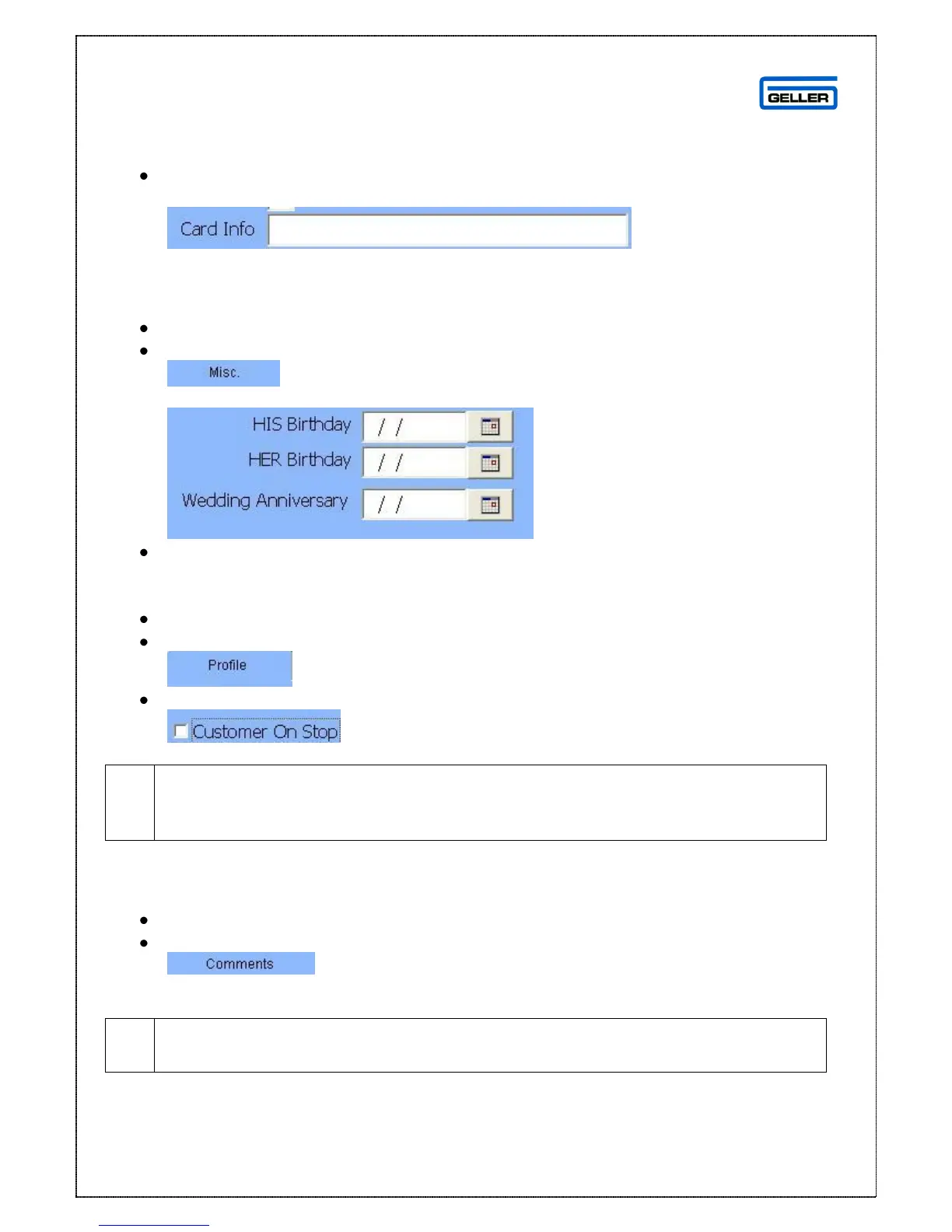
In the Card Info field enter the card number
Entering Birthdays and Anniversaries
Identify the customer
Select
The following fields are displayed
Enter the required information
Putting a Customer ‘On Stop’
Identify the customer
Select
Tick
Putting a customer on stop will prevent the customer being identified on the
terminal therefore no sales or orders may be attributed to the person while
this status is on
Adding Comments
Identify the customer
Select
The comments field is a free entry field to add notes you may require
The comments may be viewed in Sales Mode

Table of Contents