Sales Review
Sales Review enables you to view either Central/Archive Sales or Current Local
Sales from the Back Office, drill down into the transaction and reprint receipts. The
default when launching the software will be Central/Archive (all sales up until the
last end of day), once you have changed the criteria to be local (for the machine
you are on) this will be the default until you exit and load the software again
Central/Archive Sales
Select
Select
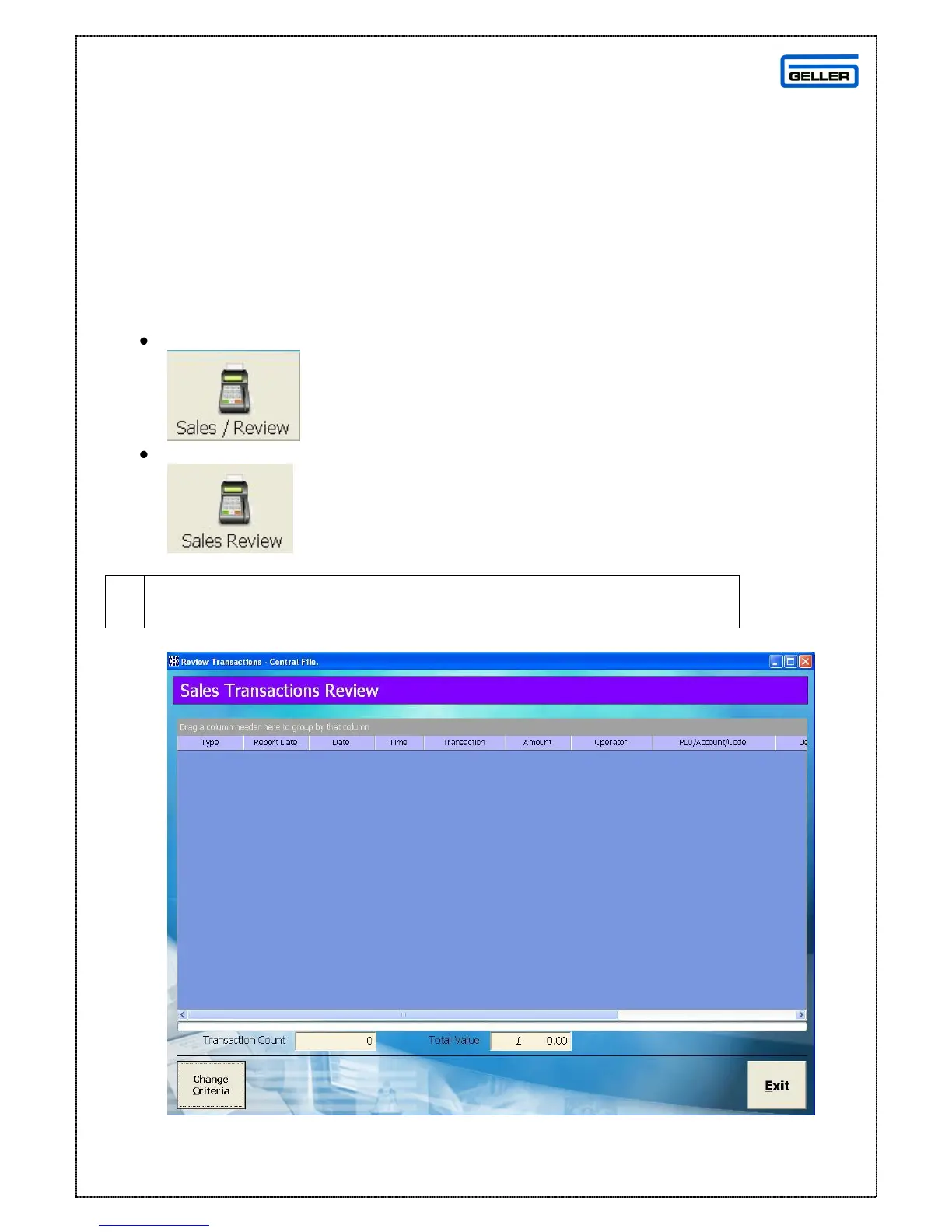
The Sales Transaction review screen will be shown



 To Next Page