Select the quantity
Enter any discount to be applied in either amount or %
Enter any comments in the free text field
Select
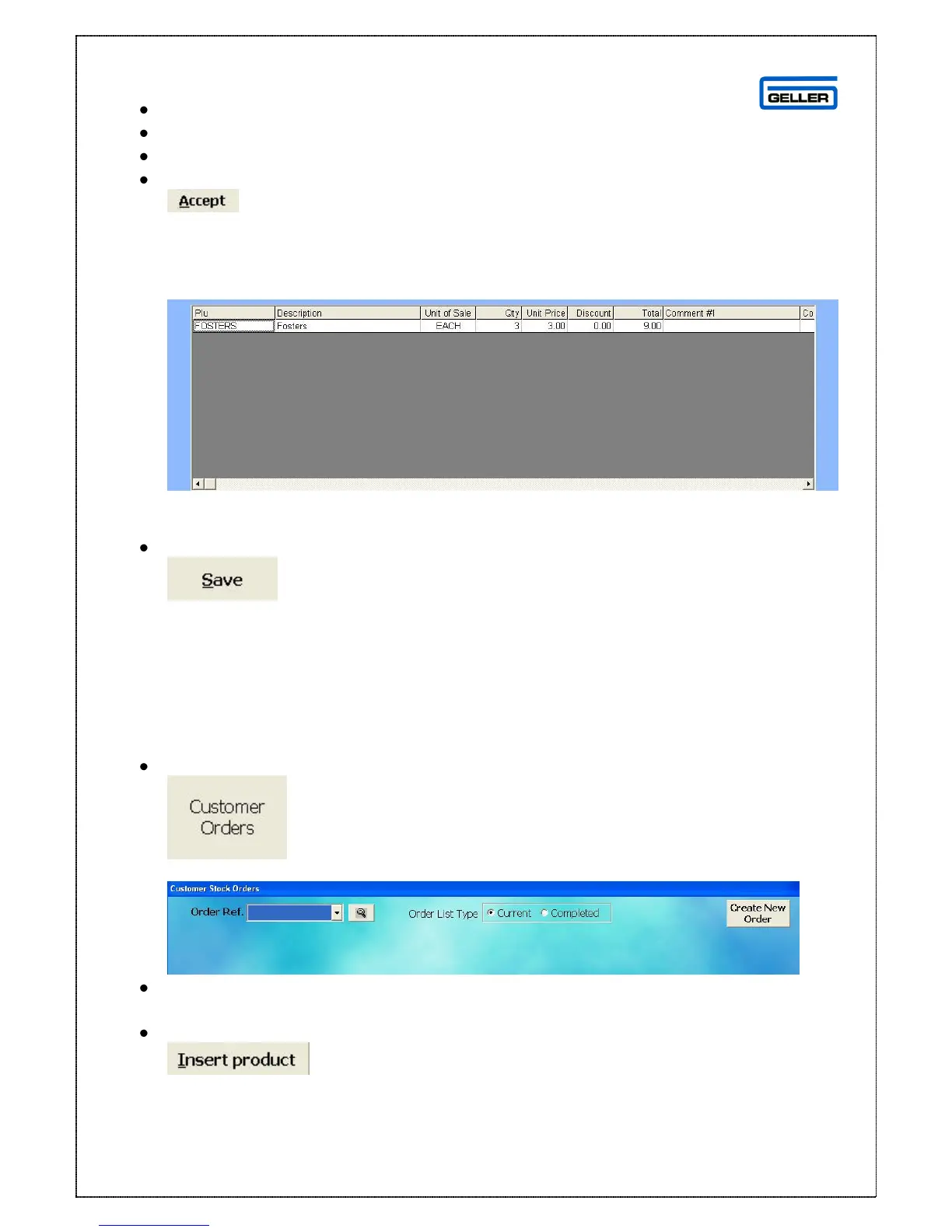
The customer order screen is displayed with the selected product line entered
Repeat the process until all the required products are on the order
To save the order
Select
This will save the order for collection at a later date.
Add to an Existing Order:
Select
The customer orders search screen is displayed
From the drop down list select the order you want to Add to
The order page is recalled
Select



 To Next Page